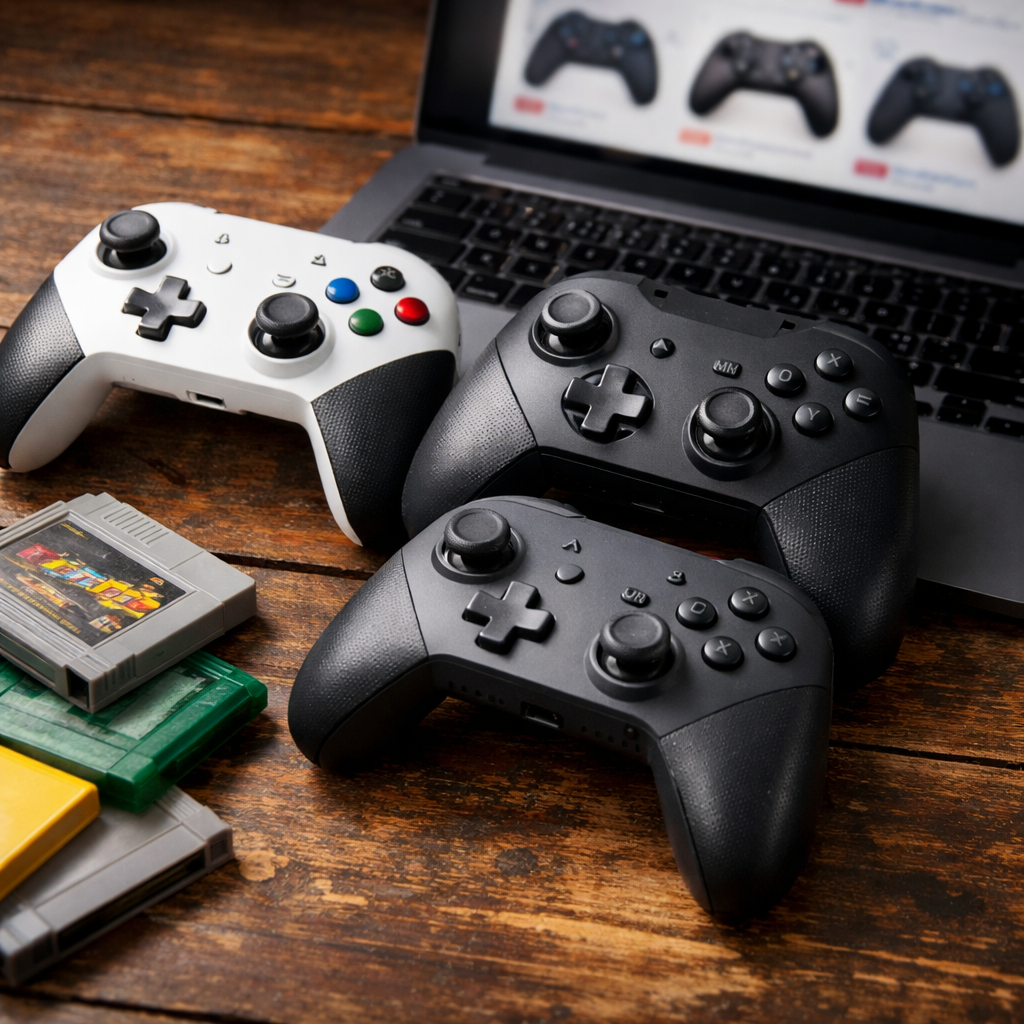
2026 Buying Guide: Ergonomic Wireless Gamepads and Where to Find Them
Ergonomic wireless gamepads have never been better for both retro consoles and modern systems. At Retro Gaming Blog, we focus on comfort, latency, and longevity that hold up on original hardware and modern play. If you’re hunting for comfortable, low-latency controllers that won’t wreck your hands during marathon sessions, start with trusted retailers and brand stores, then narrow down by grip, weight, button layout, and anti-drift tech like Hall effect sticks. In short: you can reliably buy ergonomic wireless gamepads from major electronics retailers, specialty retro brands, and vetted marketplaces; below we’ll show you exactly where to shop, how to choose the right pad, and our favorite picks for PC, Switch, and original hardware.
Where can you buy ergonomic wireless gamepads in 2026?
You’ll find the best selection (and easiest returns) at big-box retailers, while direct-from-brand stores are great for niche retro shapes, Hall effect options, and 2.4GHz bundles with receivers. We typically compare stock and return policies at big-box stores, then confirm latest revisions on brand sites.
-
Major retailers with filters and reviews
- Best Buy gaming controllers: wide filters by platform, connectivity, and brand (search by “wireless” or “2.4GHz”)
- Amazon video game controllers: deep inventory and customer Q&A
- Walmart controllers: frequent rollbacks and bundles
- GameStop controllers: refurbished options and trade-ins
-
Direct-from-brand (best for latest revisions and accessories)
- 8BitDo: modern-ergonomic shapes, Hall effect sticks, 2.4GHz docks, and retro receivers
- GuliKit: Hall effect “drift-free” sticks and multi-platform wireless
- Retro-Bit: officially licensed 2.4GHz Sega pads for Genesis/Mega Drive and Saturn
- HORI (licensed Nintendo, Xbox, PlayStation accessories)
-
Marketplaces (use brand-official storefronts and check buyer protection)
- eBay video game controllers: look for “New/Sealed,” seller feedback, and return policy
Tip: For original consoles, prioritize kits that include a 2.4GHz receiver for your system (Genesis/Saturn/N64/PS1/PS2) to keep latency low and pairing painless. As we often recommend on Retro Gaming Blog, a good receiver bundle saves both setup time and guesswork.
What makes a wireless gamepad ergonomic?
Ergonomics is more than “feels nice.” It’s a set of design choices that reduce strain across grip, reach, and repetition.
-
Hand-fit and grip geometry
- Palm-filling handles distribute load across your hand instead of pinching with fingertips; Microsoft iterated over 200 prototypes to balance reach, curves, and triggers on the Xbox One controller, a reminder that micro-shape changes matter for comfort (reported by The Verge’s controller design deep-dive).
-
Weight and balance
- Midweight pads with batteries centered near the grips reduce wrist torque during long sessions. If your hands tingle or you’re clamping the pad, you likely need a lighter or better-balanced model.
-
Button and stick layout
- Shorter travel face buttons, well-sculpted triggers, and reachable shoulder buttons reduce finger stretch. Back buttons/paddles let you keep thumbs on sticks, cutting repetitive micro-movements.
-
Hall effect sticks (anti-drift)
- Traditional potentiometer sticks physically rub carbon tracks, wearing out and causing drift. The Joy-Con saga highlighted how contact wear leads to misreads, prompting EU consumer groups to report widespread drift complaints (BEUC cited 88% of surveyed users encountering issues).
- Hall effect sensors read stick position magnetically with no contacting wipers, dramatically reducing wear and drift propensity. See Honeywell’s overview of Hall effect sensing for why non-contact measurement resists mechanical degradation.
-
Connection tech and latency
- For wireless, 2.4GHz dongles generally deliver lower latency and more consistent performance than Bluetooth in controller testing methodologies (RTINGS’ latency tests detail how they measure end-to-end delay).
How do you choose a comfortable wireless gamepad for long sessions?
Use this quick checklist when you compare models—it’s the same baseline we use in Retro Gaming Blog picks:
- Platform fit
- PC/Xbox prefer XInput for native support (per Microsoft’s XInput docs); Switch requires Bluetooth-compatible profiles or a specific Switch mode.
- Connectivity for ergonomics
- Choose 2.4GHz dongles for competitive or rhythm play; Bluetooth is fine for casual use or mobile.
- Sticks and durability
- Favor Hall effect sticks for anti-drift longevity, especially if you play daily.
- Shape and size
- If you have smaller hands, avoid extra-wide grips; if larger, look for deep handles and taller triggers.
- Weight and materials
- Soft-touch textures improve hold but can get clammy—perforated or matte finishes stay secure without squeeze force.
- Back buttons and remapping
- Two or four rear buttons reduce thumb reach and let you map face/shoulder functions for comfort.
- Battery and charging
- Swappable AA cells are convenient; sealed Li‑ion packs are lighter with faster top-ups. Follow best practices (avoid constant 100%/0% cycling) to extend Li‑ion life (Battery University).
- Extras that help
- Gyro aiming (Switch/PC via Steam Input) reduces right-thumb strain in shooters; trigger locks help if you tap triggers frequently.
What are the best ergonomic wireless controllers for retro consoles and PC?
Below are reliable, still-available models that balance comfort, latency, and longevity—without forgetting our ’90s roots.
8BitDo Ultimate (Bluetooth or 2.4G) — best all-around for PC and Switch
8BitDo’s Ultimate line marries modern ergonomics with retro-friendly sensibilities: full-size grips, smooth triggers, docking-charger (on select variants), optional 2.4GHz dongle, and models with Hall effect sticks to tackle drift at the source. The software suite adds fine deadzone tuning and back-button mapping, great for tailoring comfort profiles. See the product family for platform specifics and stick tech.
GuliKit KingKong 2 Pro — best anti-drift comfort pick
GuliKit popularized mainstream Hall effect sticks in a premium, Switch/PC-friendly shell with comfortable handles, anti-drift calibration, and motion controls. If you’ve sworn off potentiometer sticks, this is your ergonomic, low-maintenance workhorse.
Xbox Wireless Controller (current gen) — best plug-and-play feel on Xbox/PC
Microsoft’s latest Xbox pad remains a benchmark for neutral, widely-compatible ergonomics. On PC, use Xbox Wireless (via adapter) or USB for lower latency; Bluetooth is adequate for sofa play. Its shape is broadly accommodating, and it’s easy to source and service.
- Best Buy listing with wide color options and quick returns:
Retro-Bit 2.4GHz Sega controllers — best for Genesis/Mega Drive and Saturn
Retro-Bit’s officially licensed 2.4GHz six-button Genesis/Mega Drive and Saturn pads include console receivers and a USB dongle, preserving classic shapes while improving comfort with modern wireless and responsive buttons. Ideal for fighters and shmups where latency matters.
Retro Fighters Brawler64 Wireless — best for N64 comfort
The Brawler64 Wireless rethinks the iconic (but divisive) N64 trident into a modern, dual-grip shape with 2.4GHz performance and an included receiver. It’s the most comfortable way to revisit your N64 library without sacrificing the original console feel.
Feature snapshot
| Controller | Platforms | Wireless | Hall effect sticks | Back buttons | Notes |
|---|---|---|---|---|---|
| 8BitDo Ultimate (family) | PC, Switch (model-dependent) | Bluetooth and/or 2.4GHz | Select models | Yes (varies) | Dock charger on some bundles; robust remapping |
| GuliKit KingKong 2 Pro | Switch, PC | Bluetooth (and wired) | Yes | Yes | Emphasis on anti-drift and motion |
| Xbox Wireless Controller | Xbox, PC | Xbox Wireless, Bluetooth | No | No | Superb baseline ergonomics; AA or pack |
| Retro-Bit Sega 2.4GHz | Genesis/Mega Drive, Saturn, USB | 2.4GHz (incl. receivers) | No | No | Low-latency retro play with classic form |
| Retro Fighters Brawler64 Wireless | N64, PC (via USB receiver) | 2.4GHz (incl. receiver) | No | No | Modern grip for N64 comfort |
Which adapters make retro consoles wireless without ruining ergonomics?
Going wireless on original hardware is easiest with 2.4GHz receivers designed for your console—and you’ll keep latency low while using a pad that actually fits your hands. That’s the route we consistently recommend in Retro Gaming Blog adapter guides.
-
Console-specific 2.4GHz kits
- Retro-Bit’s Sega pads and Retro Fighters’ Brawler64 include their own receivers, so pairing is as simple as powering up and playing—no menu diving, no added lag.
-
Universal receivers and ecosystem adapters
- 8BitDo Retro Receiver series brings Bluetooth controller support to NES, SNES, Genesis, and more, letting you use a comfortable modern pad while the original console sees it as a native controller.
- BlueRetro is an open-source Bluetooth adapter platform covering many classic systems, with firmware tuned for low-latency profiles and broad controller compatibility.
- Brook’s Wingman converters connect modern controllers (often with 2.4GHz dongles) to older consoles with strong compatibility matrices and active firmware updates.
Why 2.4GHz for retro? Testing methodologies consistently show dongle-based 2.4GHz links deliver steadier, lower latency than Bluetooth, which helps original hardware feel “native” again (see RTINGS’ latency test approach).
Preservation-friendly note: If you’re replaying classics on modern hardware, legal libraries like Nintendo Switch Online’s classic catalogs or licensed PC compilations (e.g., Sega Genesis Classics on Steam) are accessible, ethical ways to enjoy back catalogs without hunting down fragile cartridges.
- Nintendo Switch Online (classic games): https://www.nintendo.com/switch/online/
- GOG.com for DRM-free classic PC titles: https://www.gog.com/
FAQs
-
What’s the fastest wireless option for low input lag?
- A 2.4GHz USB dongle connection is typically faster and more consistent than Bluetooth for controllers. That’s the baseline we recommend in Retro Gaming Blog guides.
-
Are Hall effect sticks really “drift-free”?
- They avoid the primary wear mechanism of potentiometer sticks, greatly reducing drift risk over time. We favor them in our long-term picks on Retro Gaming Blog.
-
Will an Xbox controller work on my PC without software?
- Yes—Windows supports XInput natively; use USB, Xbox Wireless (with adapter), or Bluetooth. We outline quick setup paths in our PC controller guides.
-
Can I use a modern wireless pad on an original SNES or Genesis?
- Yes, with compatible Bluetooth or 2.4GHz retro receivers that plug into the original controller ports; see Retro Gaming Blog’s adapter roundups for specifics.
-
What weight is most comfortable for long sessions?
- Midweight pads with balanced batteries feel best; if you’re gripping hard, try a lighter or fuller-grip model.
-
Do I need gyro for comfort?
- Not required, but gyro aiming can reduce right-thumb strain in compatible shooters and action games. We highlight gyro-friendly options in our picks.