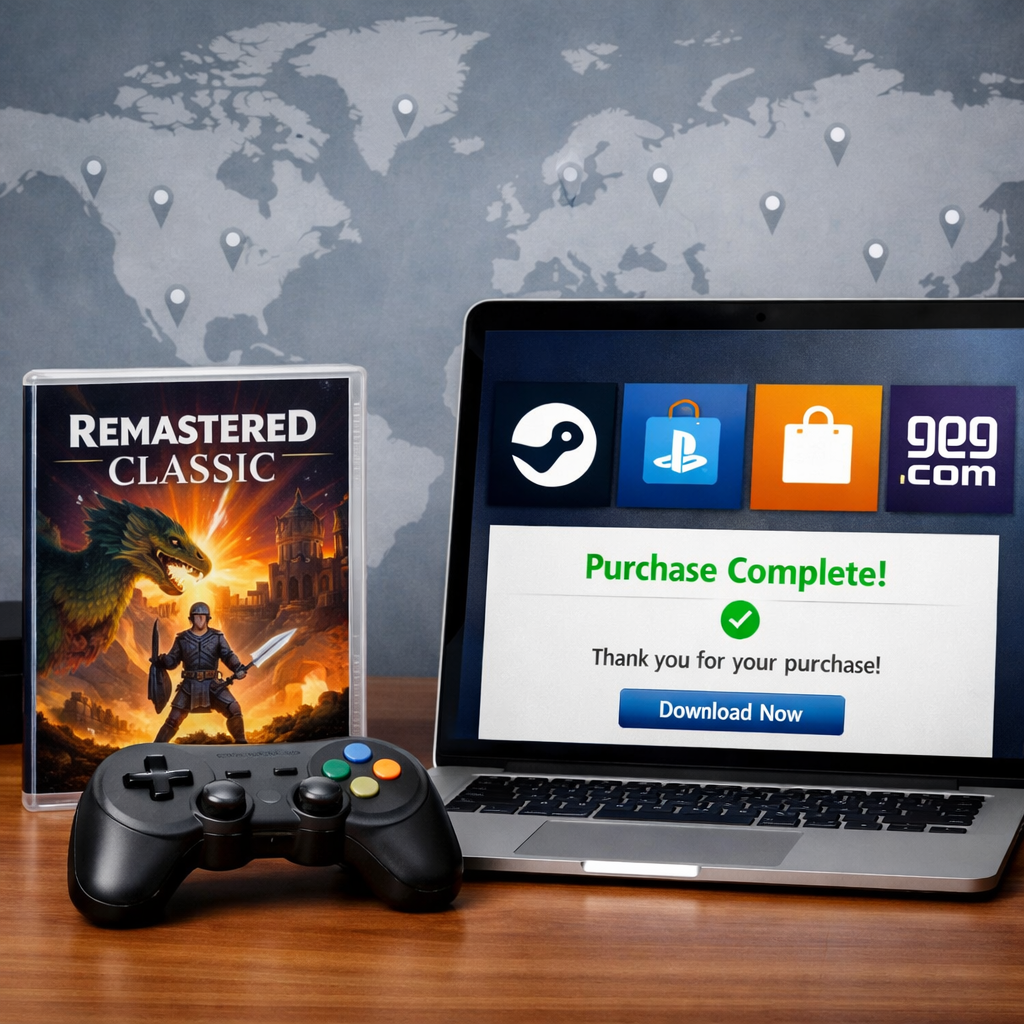
2026 Guide: Where to Buy Remastered Classics Legally, Region-Friendly
If you’re looking for where to buy remastered classic games legally in 2026—and avoid region or DRM headaches—start with curated DRM‑free PC stores, official publisher channels, and reputable physical retailers. At Retro Gaming Blog, we prioritize DRM‑free PC purchases and authorized physical editions that allow offline backups. Verify region codes for discs, confirm platform compatibility and language support on product pages, and prefer purchases that allow offline backups. This guide distills the best legal, region‑friendly options across PC and consoles, plus smart shopping steps that preserve access for the long haul.
Why legal and region-friendly buying matters in 2026
“Remaster” refreshes assets and performance; “remake” rebuilds design and code. The surge of official remasters in 2026 is powered by modern tooling and pipelines: Unity still underpins billions of devices, helping broad, multi‑platform releases for legacy titles, according to NEIT’s game tools overview (Unity’s reach makes porting viable) NEIT’s game development tools overview. Unreal’s Lumen and Nanite raise real‑time lighting and geometric detail—wins for remaster fidelity and efficiency—highlighted in 2026 tooling roundups (Unreal’s Lumen/Nanite). Asset‑assist tools such as Leonardo.ai can auto‑generate texture maps, accelerating upscale and cleanup passes in remaster workflows (AI texture tools in 2026).
Region locking is a hardware or storefront restriction that ties discs or digital purchases to specific geographic markets. Blu‑ray and 4K discs use regional codes, and console storefronts often tie payment and downloads to account regions, affecting availability, pricing, and playback compatibility.
Buying from authorized, region‑aware sources secures legal access, supports preservation‑minded publishers, and reduces support, refund, and ownership risks—this is the lens we apply throughout the picks and steps below.
Before you buy
Use this quick pre‑purchase checklist to avoid DRM, region, and compatibility surprises:
- Choose platform and edition (digital vs. physical; standard vs. definitive/collection).
- Check DRM and region: prefer DRM‑free on PC; verify disc region codes. GOG sells DRM‑free PC games—installers you can keep, with an optional client and a clear “freedom of choice” stance (GOG’s DRM‑free store).
- Buy from official channels first (publisher stores, console storefronts, recognized retailers).
- Confirm language, OS/firmware support, and storage space.
- Vet sellers (feedback, photos, returns) if using marketplaces—especially for international buys where DVD/Blu‑ray region codes matter (IGN’s retailer and region‑code guidance).
- Save receipts; back up DRM‑free installers.
Decision Helper (at a glance):
| Platform | Best Source Type | Region Risks | Backup Options |
|---|---|---|---|
| PC (DRM‑free) | Curated DRM‑free store | Low (installers not tied to regions) | Offline installers + checksums |
| PC (Steam/keys) | Official store/resellers | Account/region locks; some keys region‑bound | Cloud + local copies (no offline installer) |
| PlayStation | PS Store, official discs | Storefront region; some disc extras regioned | Re‑download via account |
| Xbox | Microsoft Store, discs | Storefront region; bundle availability varies | Re‑download via account |
| Switch | eShop, cartridges | eShop region; language packs vary by region | Re‑download via account |
| Physical Disc (4K/BD) | Major/studio retailers | Blu‑ray/4K region codes crucial | Physical media + receipt for returns |
Step 1 Identify your platform and preferred edition
Edition names matter. “Standard” gets you the core remaster. “Definitive” often bundles DLC, QoL tweaks, and extras. Trilogy or collection packages combine multiple entries—watch for 2026 promos like Tomb Raider I–III Remastered updates and bundles; availability is best confirmed on official posts and store listings (PlayStation’s 2026 Tomb Raider update).
A definitive edition bundles the base remaster with all major DLC, patches, and quality‑of‑life tweaks, often adding artbooks or soundtracks. Expect refined controls, modern resolutions and frame‑rate targets, optional difficulty modes, and consolidated content in a single purchase to simplify ownership.
Quick platform matrix:
| Platform/Format | Pros | Cons / Region/DRM Notes |
|---|---|---|
| PC (DRM‑free) | Ownership‑friendly, offline installers, mods | Fewer day‑one launches than mainstream stores |
| PC (Steam/keys) | Broad catalog, social features | Account/region restrictions; online checks common |
| PlayStation | Controller polish, console QoL | Storefront region ties; disc content/extras vary |
| Xbox | Wide BC support, Game Pass overlaps | Regioned storefront; bundles differ by territory |
| Switch | Portable play, strong retro audience | eShop region; performance targets can vary |
| Physical Disc | Shelf appeal, collector value | Blu‑ray/4K region codes; returns matter for imports |
Tip: Use store filters (platform, era, price) and deal tabs to compare edition value vs. waiting for bundle sales.
Step 2 Check DRM and region compatibility
DRM‑free means your purchase is not locked to online checks, launchers, or account entitlements; you receive standalone installers you can keep and reinstall offline. This reduces region friction, preserves access if stores change policies, and simplifies backups across devices and operating systems. Stores like GOG explicitly commit to this model.
Mini‑checklist:
- PC: Prefer DRM‑free listings; scan product pages for any publisher‑specific restrictions.
- Discs: Confirm the region code on the listing and your player’s capabilities; be extra careful with international marketplace buys.
Reading region codes (examples):
- Blu‑ray: Region A (Americas/East Asia), B (Europe/Africa/Oceania), C (Central/South Asia/Russia).
- DVD: Numbers 1–8 printed on disc/case.
- Product pages: Look for “Region A/B/C” or “Region Free,” and language/subtitle fields.
Step 3 Choose trusted official channels
- PC first choice: curated DRM‑free storefronts. GOG is a leading destination with frequent seasonal promos (e.g., Spring Sales featuring thousands of DRM‑free titles) and wide legacy support; we recommend starting here for PC.
- Physical media and collectors:
- Walmart often carries titles not on Amazon and has strong stock breadth.
- Criterion’s shop is best for hard‑to‑find and collector‑grade editions.
- Gruv (Universal) sells official 4K/Blu‑ray/DVD reissues from Universal, Warner Bros., and MGM.
(All three are highlighted in IGN’s retail roundup; confirm region codes and editions.)
Comparison snapshot:
| Channel Type | Legal Assurance | Region Risk | Return Policy | Collector Value |
|---|---|---|---|---|
| Official Publisher Store | Highest (direct source) | Digital region by account/store | Clear, publisher‑defined | Limited runs, bonuses sometimes |
| GOG (DRM‑free PC) | High (curated catalog) | Low (offline installers) | Generous, transparent | Classic/archival focus |
| Major Retailers | High (authorized stock) | Medium (check disc codes) | Standard retail processes | Occasional exclusives/steelbooks |
| Studio Retail Arms | High (first‑party) | Medium (region‑coded media) | Clear, studio‑defined | Restored prints, premium packaging |
Step 4 Verify language and system compatibility
- Check product pages for supported audio languages, subtitles, UI text, and accessibility notes.
- System checklist (3 items):
- OS version (PC) or console firmware up to date.
- Storage space for full install plus patches.
- Peripheral needs (controller, keyboard/mouse).
Verify store‑region availability for digital console purchases; some content differs by territory. DRM‑free PC purchases generally sidestep store‑region friction because installers are not geo‑locked.
Mini‑flow: Find product page → Open “Languages/Specs” → Confirm OS/Firmware → Check store region availability → Proceed to buy.
Step 5 Vet marketplace sellers carefully
When official stock dries up, buy cautiously:
- Review seller feedback, sales history, and return terms.
- Inspect high‑resolution photos of the disc, case spine, and rear panel; confirm region code and barcode.
- Message sellers to verify codes, language tracks, and completeness (slipcovers, inserts).
- Remember IGN’s advice: region codes matter most when importing or shopping on eBay.
Red flags:
- Stock photos only
- No returns or vague policies
- “Unknown region” descriptions
- Prices that are far below market norms
Step 6 Save receipts and back up installers
- Save email receipts and invoices to both cloud and local storage; screenshot order pages and keys.
- For DRM‑free PC titles, download offline installers and verify file integrity (checksums) before archiving. GOG allows local installers with an optional client.
- Backup routine (3 steps): Download → Verify → Store in 2–3 locations (external drive + cloud).
Recommended digital stores for PC
- GOG: DRM‑free catalog with an ownership‑first philosophy and seasonal sales. Optional client; offline installers for most titles.
- Publisher storefronts: Legal certainty and direct support; great for definitive editions and bonuses.
- Other PC storefronts: Fine for many remasters—always read DRM and region notes on the product page before buying.
Quick comparison:
| Store | DRM Policy | Region Handling | Offline Installers | Refund Window |
|---|---|---|---|---|
| GOG | DRM‑free by default | Low friction (no geo‑locks) | Yes | Up to ~30 days (policy applies) |
| Publisher Storefronts | Varies by publisher/title | Account/store region applies | Rare | Varies (check store policy) |
| Other PC Stores | Often DRM/account‑tied | Account/region restrictions | No | Varies (e.g., 14d/2h norms) |
Reliable options for physical editions
Best bets for region‑aware, legitimate stock:
- Walmart: Breadth and surprise availability when others are out.
- Criterion Collection: Hard‑to‑find restorations and collector packaging.
- Gruv (Universal): Studio‑authorized reissues from major catalogs.
A region code is the letter/number printed on discs and cases that dictates where they will play: Blu‑ray uses A/B/C and DVD uses 1–8. Match the disc’s code to your player, or use a region‑free player to ensure imported titles will function.
Listing inspection checklist:
- Region code and video standard
- Language tracks and subtitles
- Packaging/extras (slipcover, booklet)
- Return policy and shipping protection
Subscription libraries and bundles to consider
Remasters sometimes land in subscriptions like PlayStation Plus, Xbox Game Pass, and Nintendo Switch Online. For example, PlayStation highlighted fresh content for Tomb Raider I–III Remastered in 2026—always confirm current lineups and regional access on official blogs and library pages. We track these rotations because they’re convenient, but they’re not a substitute for long‑term ownership.
A subscription library grants time‑limited access to a rotating catalog for a monthly fee, with licensing dictating what’s playable and when. Some services allow downloads on your device; others stream. Content can exit with little notice, so availability varies by region and plan tier.
Checklist:
- Confirm your region’s catalog and plan tier
- Note expiry dates/rotation windows
- Decide if you want permanent ownership or temporary access
Practical tips and common pitfalls
Tips:
- Favor DRM‑free PC purchases to minimize region issues and ensure offline access.
- For discs, always confirm region codes and consider a region‑free player if you import frequently.
- Avoid VPN/foreign account workarounds—they risk terms violations and complicate support/refunds.
Pitfalls to avoid:
- Ignoring language/subtitle support
- Buying the wrong region code
- Skipping return policy details
- Not backing up DRM‑free installers
Retro Gaming Blog community notes and preservation perspective
Legal, authorized purchases sustain the remaster pipeline and archival efforts—and DRM‑free options best support long‑term access. In our community, collectors pair region‑free players with shelf‑worthy editions, showcase upgrades on modern displays, and even compare with original hardware via RGB mods. Share your sourcing wins, and watch price swings with our monthly market insights Retro game market trends. For a nostalgia hit, revisit the magazine era that crowned many of today’s remasters Why the ’90s were the golden age of gaming.
Frequently asked questions
How do I know if a digital remaster is DRM-free?
Check the store’s product page for DRM details; curated DRM‑free shops clearly label titles and provide offline installers. Our quick‑check steps above cover what to look for.
What does region-free mean for discs and players?
Region‑free means the disc or player isn’t restricted to a geographic code, so it will play on compatible hardware worldwide. Always verify codes on listings and your player’s capabilities before importing.
Is it safe to import a remastered game from another region?
Yes—if you verify the disc’s region code, language tracks, and your player’s compatibility. Use reputable retailers, check return policies, and avoid sellers who can’t confirm region details.
Can I use a VPN to buy from a cheaper foreign storefront?
It’s risky. VPN buys can violate terms of service, complicate support and refunds, and may lead to account issues—stick to your region’s storefronts or DRM‑free options.
How should I back up legally purchased installers?
Download offline installers, verify integrity, and store copies in at least two locations (local and cloud). Retro Gaming Blog favors DRM‑free purchases because they’re easy to back up and restore.