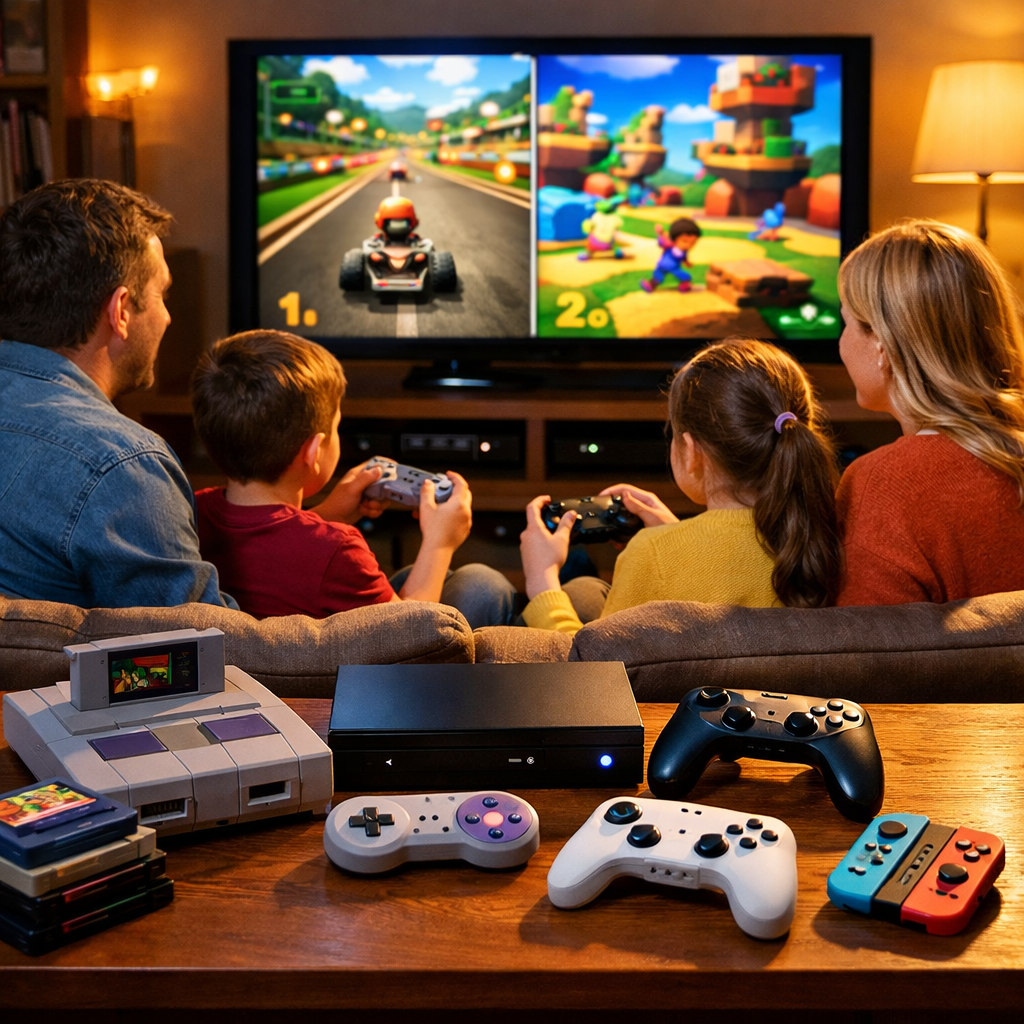
Best Family Gaming Consoles in 2026: Top Picks Compared
Families choosing a console in 2026 juggle three tradeoffs: the right mix of age‑appropriate games, flexible play modes (handheld, TV, and easy local co‑op), and the total cost of ownership (hardware, subscriptions, and storage). That framing shows up again and again across independent buying guides, including Stuff’s 2026 console guide and Wirecutter’s console guide, and it aligns with how Retro Gaming Blog evaluates family systems. Put simply: the best console for family gaming is the one that fits your players, your living room, and your budget without constant setup friction. Our top recommendation for most households is Nintendo Switch 2 for its unmatched family library, hybrid play, and offline resilience; Xbox shines on subscription value; PS5/Pro suits older kids who want cinematic performance; handheld PCs are great for teens and parents.
At a glance: top family picks
- Nintendo Switch 2 — strongest family library, hybrid play, best offline resilience.
- PS5 / PS5 Pro — power and standout exclusives for older kids/teens.
- Xbox Series X|S — best subscription value via Game Pass for multigenerational homes.
- Steam Deck — portable PC library, better for teens/parents than young kids.
- Nex Playground / kids-first — simplified, safe experiences for very young players.
How to choose a family gaming console
“Family gaming console” — A system that balances age-appropriate games, easy local multiplayer, and predictable ongoing costs so multiple ages can play together or separately without complex setup. The best picks minimize friction for couch co‑op, offer offline play options, and keep add‑on costs manageable. Retro Gaming Blog scores consoles on these factors, with extra weight on offline resilience and local co‑op.
A quick 3‑step plan
- Identify who plays: young kids, teens, and/or parents—and their favorite genres (kart racers, platformers, sports, RPGs, shooters).
- Decide play modes: handheld on the go, docked TV nights, couch co‑op for 2–4 players, and any travel needs.
- Set a total budget: hardware + 12 months of subscriptions + extra controllers + storage upgrades.
Fact check highlights
- Switch 2 is consistently recommended as the best console for family gaming thanks to its library and hybrid console flexibility noted by multiple cross‑reviews.
- Xbox Game Pass is widely praised for subscription value and breadth, especially for mixed‑age homes.
- PS5 Slim/Pro coverage in 2026 emphasizes performance and versatility for older kids and teens.
Our top pick for families
Nintendo Switch 2 is the most balanced family choice in 2026. Hybrid handheld/TV play makes sharing a single console easier, the library overflows with family‑friendly games and couch co‑op staples, and it remains resilient offline—92% of tested titles were playable without an active connection in a 4,200‑household study summarized by Alibaba’s 2026 console trends analysis.
Why it wins
- Deep kids’ library plus broad cross‑gen releases; improved graphics with a slimmer profile.
- Hybrid portability reduces TV‑time conflicts and simplifies travel play.
- Reasonable retail context: Switch 2 around $449; Switch Lite around $229 are common retailer listings.
Pros/cons at a glance
| Pros: hybrid play, deep family library, strong offline play | Cons: microSD Express cards to plan for; battery life varies vs older Switch; midrange price |
Nintendo Switch 2
Switch 2 blends easy local multiplayer with true handheld flexibility, which is why it tops many family roundups. It’s a noticeable refinement over the original Switch, with better graphics and a slimmer design highlighted in CNET’s handheld roundup. Reported internals (an octa‑core Cortex‑A78C CPU paired with an Nvidia‑based GPU) give useful context for cross‑gen releases, as discussed in GamesRadar’s handheld guide.
Practical caveats to plan for
- Storage: microSD Express cards can be pricier and less common—budget for a larger card upfront to avoid constant cleanup.
- Battery: depending on workloads and frame‑rate targets, some users report shorter sessions than older Switch models.
Family fit checklist
- Local multiplayer essentials (Mario Kart, Smash‑style brawlers), party games, and co‑op platformers.
- Great for single‑TV homes (handheld play during movie nights).
- Travel‑friendly, with a high share of offline‑capable titles (≈92% in the cited test).
PlayStation 5 and PS5 Pro
PS5 is a superb fit for families with older kids and teens who care about cinematic single‑player campaigns and top‑tier fidelity. It’s praised for raw power and exclusive hits, and its DualSense controller’s advanced haptics can transform how games feel. Storage needs are real: the 825GB internal drive leaves about 667.2GB usable, so planning for big installs is essential. The PS5 Pro is positioned as the most powerful PlayStation yet—with advanced ray tracing and 8K support mentioned in 2026 coverage—and commonly listed around $749, per TechRadar’s 2026 coverage (via News.am).
Recommendations
- Best for teens/parents who value exclusives and eye‑candy; grab a second controller for couch co‑op.
- Add an NVMe SSD early to prevent constant deletions.
- Compared to Switch 2, the younger‑kid library is narrower; plan purchases accordingly.
Xbox Series X and Series S
Xbox remains the subscription‑value leader for multigenerational households. Series X is a powerhouse for 4K living rooms, with Dolby Vision/Atmos support and widely praised Quick Resume (noting occasional quirks). Series S is the compact, budget‑friendly pick for kids’ rooms or secondary TVs, but it aims for 1440p upscaling rather than true 4K and its 512GB SSD leaves roughly 364GB usable. Game Pass stands out for instant library breadth and strong backward compatibility, making it easy to rotate games for different ages.
Guidance
- Pick Series X for a 4K main TV; Series S for smaller sets or as a second console.
- Offline reality: an estimated 79% of tested titles played offline; some Game Pass games require online checks.
- Consider an official expansion card or adopt a family “install rotation” plan.
Steam Deck and handheld PCs
Handheld PCs shine for teens and parents who want a portable gateway to massive PC libraries. Over 10,000 Steam games are marked Verified/Playable, the Steam Deck OLED upgrades screen quality and battery life, and the entry LCD model remains a strong value—though premium handhelds can climb toward $1,000, as covered in Engadget’s handheld guide. These devices are less plug‑and‑play for young kids and demand more setup and parental involvement.
Recommended setup quick list
- Create family accounts with spending limits.
- Enable offline mode and pre‑download favorites before trips.
- Save controller profiles per game (reduce tinkering during family time).
- Emulation is possible for older families; stick to legally dumped games and proper setup for reliability.
Nex Playground and kids-first systems
Kids‑first device — Purpose‑built, simplified game systems focused on safety, motion play, and strongly curated content. They emphasize big, readable UIs, easy onboarding, and robust parental oversight, trading deep libraries and raw power for predictable, age‑appropriate experiences with minimal setup.
Pros and cons
- Pros: child‑safe design, simple setup, motion play suited to preschool/early elementary and daycare contexts.
- Cons: smaller libraries; ongoing content often tied to subscriptions.
- Best used as complements alongside a main console for older siblings.
Value breakdown and ongoing costs
| Platform | Hardware MSRP (2026) | Common storage add‑ons | Popular subs (12‑mo view) |
|---|---|---|---|
| Nintendo Switch 2 / Lite | ≈$449 / ≈$229 | microSD Express 512GB–1TB | Nintendo Switch Online (family plan; add Expansion Pack if desired) |
| PS5 / PS5 Pro | ≈$499 / ≈$749 | PCIe 4.0 NVMe SSD 1–2TB | PlayStation Plus (tiers scale cloud/collection perks) |
| Xbox Series S / X | ≈$299 / ≈$499 | Official expansion card 1–2TB | Xbox Game Pass (Core/Console/Ultimate options) |
| Steam Deck (LCD/OLED) | ≈$399+ / ≈$549+ | microSD UHS‑I 512GB–1TB | None required; optional storefront subs vary |
| Nex Playground / kids‑first | ≈$149–$299 | N/A (internal/storage‑lite) | Optional content subscriptions |
Budget builder
- Start with hardware and the number of controllers you need for 3–4‑player nights.
- Add 12 months of subscriptions where relevant (Nintendo Switch Online, Game Pass, PlayStation Plus).
- Plan 1–2 storage upgrades (or a game rotation plan) to curb redownloads and manage big installs.
Parental controls and safety essentials
Start smart with a platform‑neutral five‑step setup: create child accounts, enable age‑based content filters, set playtime windows, restrict purchases behind a PIN, and lock down privacy/voice chat defaults. Nintendo’s family app and an offline‑friendly library reduce always‑online friction (the cited 92% offline‑capable stat helps), while Xbox and PlayStation offer deeper online controls—so review chat and social defaults before kids jump in. Retro Gaming Blog prioritizes defaults that reduce online friction and keep family play simple.
Local multiplayer and couch co-op considerations
- Inventory controllers: plan for 2–4 pads if you want Mario Kart nights or PS5/Xbox co‑op sessions.
- Use wired or low‑latency modes for rhythm and fighting games to avoid input lag.
- Evergreen couch co‑op genres to anchor your library: kart racers, party games, beat‑’em‑ups, and platformers.
- Nintendo’s first‑party multiplayer staples are frequently highlighted for families, and with good reason.
Accessibility and ease of setup
- Time to first game: cartridges/cart‑style installs, preloads, and day‑one updates affect whether you’re playing in minutes or an hour.
- Controller feel/features: PS5’s DualSense haptics and adaptive triggers are standouts for immersion.
- Display modes: PS5/Xbox offer 4K/HDR (check your TV’s HDMI settings); Switch 2 adds docked TV and handheld options.
“Ease of setup” — The number of steps and updates needed before first play, plus how intuitively families can add users, connect controllers, and start local multiplayer in under 10 minutes. The smoother the path, the more likely you’ll game together regularly.
Retro and backwards compatibility notes
- Xbox’s backward compatibility with prior‑gen Xbox libraries is a family value win—kids discover classics while parents revisit favorites.
- Steam Deck’s massive indie/retro‑friendly PC catalog and capable emulation (with proper, legal setup) make it a flexible choice for older families.
- Expect strong cross‑platform support on Switch 2 and mid‑gen refreshes, which helps preserve libraries across siblings and hardware cycles. Retro Gaming Blog readers often prioritize backward compatibility and easy access to classics, so we weight retro friendliness in our scoring.
Verdict and recommendations
- Pick Switch 2 if you want shared local multiplayer, hybrid flexibility, and strong offline play.
- Pick Xbox Series X|S for cross‑age subscription value with Game Pass and deep backward compatibility.
- Pick PS5/Pro for older kids who crave cinematic exclusives and DualSense features.
- Consider Steam Deck for teens/parents who want handheld gaming from a vast PC library.
- Choose kids‑first systems for preschool/early elementary setups focused on safety and simplicity.
We’d love to see your family setup and retro memories. Share them with us and check out our display tuning tips for classic games in Pro tips to unlock pixel‑perfect retro play on cloud gaming and our community reflections in Why the 90s were the golden age of gaming.
How we test and evaluate family consoles
Our process blends lab checks with real‑home play:
- Household playtests across age ranges, including 2–4‑player couch co‑op and commute‑friendly handheld sessions.
- Storage and update friction: track GB used, time‑to‑play from unboxing, and offline behavior across a curated title set.
- AV and latency: verify 4K/HDR modes, test audio pipelines (including Dolby Vision/Atmos on compatible Xbox setups), and measure input lag where feasible.
We score on: family library depth, local multiplayer friction, offline resilience, total cost of ownership, and backward compatibility/retro friendliness.
Frequently asked questions
Is the Nintendo Switch 2 the best choice for most families?
Yes. At Retro Gaming Blog, we find its hybrid handheld/TV design, first‑party multiplayer hits, and strong offline‑capable library make it the most flexible family pick.
Which console offers the best value with subscriptions?
Generally, the platform with an all‑you‑can‑play game subscription and deep backward compatibility offers the best value for multigenerational households. Retro Gaming Blog recommends comparing the library your family will actually use before committing.
What should parents know about storage and downloads?
Plan for big downloads and consider early storage upgrades: roughly 667.2GB is usable on a high‑end model, about 364GB on a budget digital‑only model, and popular hybrid systems benefit from larger microSD cards to curb redownloads. Retro Gaming Blog suggests budgeting for storage alongside controllers and subscriptions.
How do parental controls differ across consoles?
All major systems support child accounts, content filters, and purchase restrictions. Handheld/TV hybrids pair well with offline play, while dedicated living‑room consoles offer deeper online controls for chat, privacy, and time limits.
When is a kids-first device better than a full console?
Choose a kids‑first device for preschoolers or daycare settings where safety, motion play, and simple menus matter more than deep game libraries or 4K graphics. Retro Gaming Blog views these as complements to a main console for older siblings.