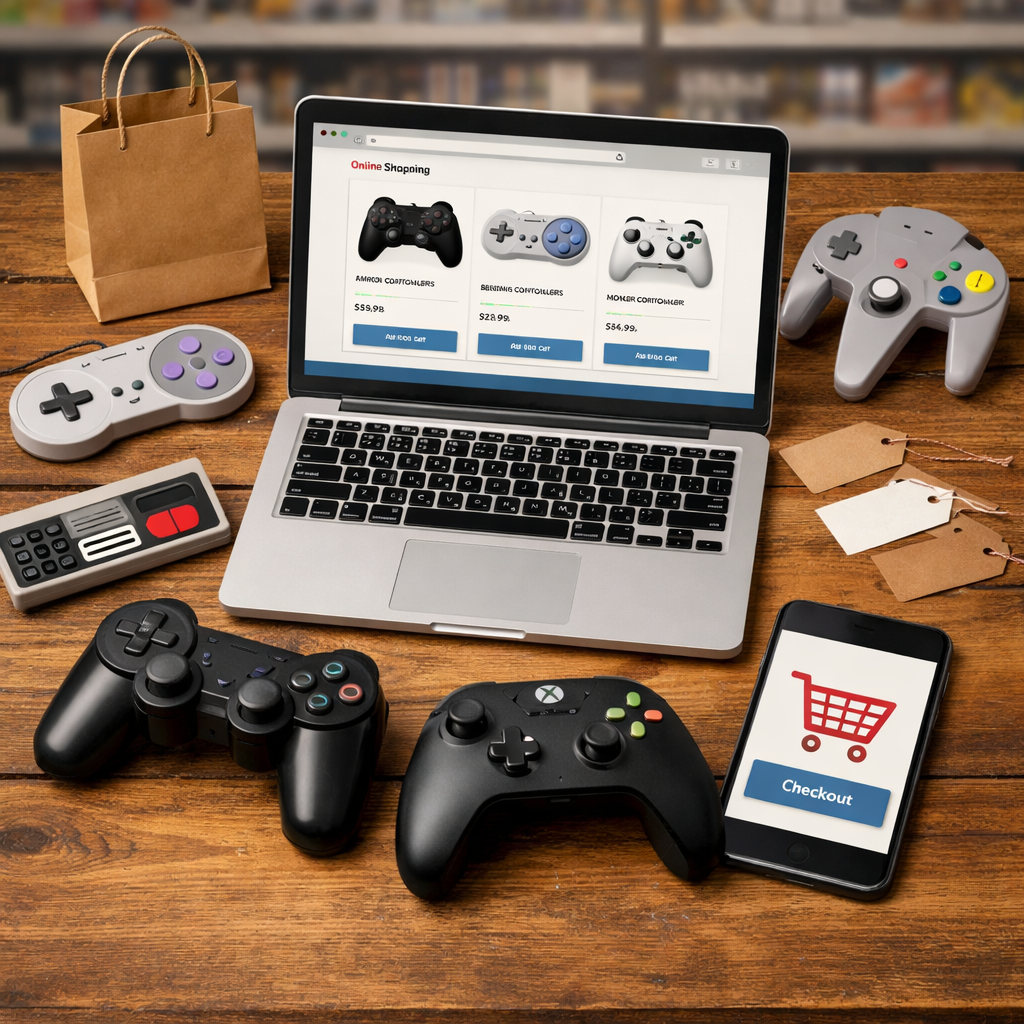
Best Places to Buy Gaming Controllers Online and In-Store
Whether you need a no‑nonsense wired pad, a low‑latency wireless pro controller, or a retro‑correct replacement, the best place to buy can be as important as the model you pick. For most shoppers, Amazon and big-box stores cover breadth and fast pickup; tech marketplaces and manufacturer stores excel for specs, firmware, and controller warranties. For collectors or niche builds, specialty shops and second‑hand platforms fill the gaps. Below, we map controller class to the smartest storefronts—so you can compare Hall effect sticks vs standard potentiometers, wired vs wireless controllers, return windows, and support paths with confidence—grounded in Retro Gaming Blog’s hands‑on guidance and independent roundups from sources like PC Gamer, TechRadar, and IGN.
Retro Gaming Blog
We approach buying controllers like long‑term gear, not disposable gadgets. That means favoring stores that can prove authenticity, publish full specs and firmware notes, and back you with clear returns and RMAs. It also means pairing the controller class with the right seller: go premium direct or through trusted retailers for clean support, and use marketplaces to price‑check budget and midrange standouts—always cross‑checking independent buying guides and return policies from outlets like PC Gamer, TechRadar, and IGN for a sanity check on specs and value (see the latest overviews from PC Gamer, TechRadar, and IGN). Our quick checklists below keep the process simple.
Our preservation‑first angle applies equally to modern and retro pads: prioritize durable components (Hall effect sticks where possible), verify software/firmware access for tuning, and make sure your seller stands behind the purchase.
Amazon
Amazon is the widest aisle online: huge selection, routine discounts, and fast delivery make it ideal for mainstream and third‑party controllers. It’s particularly useful for comparing budget and midrange models and third‑party brands side‑by‑side, provided you verify seller ratings and return terms.
What to compare on each listing:
- Connectivity modes (2.4 GHz dongle, Bluetooth, wired USB) and platform support.
- Whether it uses Hall effect sticks, polling rate claims, and software remapping support.
- Return window and whether the item is sold by/fulfilled by Amazon.
Example: The 8BitDo Ultimate 2C is frequently in stock and bundles value features like Hall sticks, multi‑mode connectivity (2.4G/Bluetooth/wired), and up to 1000 Hz polling for responsive PC play, as noted in current controller roundups from DomyStats.
Quick definition: Hall effect sticks use magnetic sensors instead of mechanical potentiometers to detect movement, which reduces drift and increases longevity—now common in both premium and value controllers, a benefit also highlighted by CGMagazine’s 2025 controller coverage.
Comparison snapshot (verify listing details before purchase):
| Model | Price Range (approx.) | Connectivity | Hall Effect (Y/N) | Return Window | Seller Rating Guidance |
|---|---|---|---|---|---|
| 8BitDo Ultimate 2C | Mid ($50–$70) | 2.4G, Bluetooth, Wired | Y | Typically 30 days (check) | Prefer 4.5★+ and FBA |
| Xbox Wireless Controller | Mid ($50–$65) | Bluetooth, Xbox Wireless, USB | N | Typically 30 days (check) | Prefer 4.5★+ and FBA |
| Turtle Beach Rematch Core | Budget ($25–$40) | Wired USB | N | Typically 30 days (check) | Prefer 4.5★+ and FBA |
Tip: On marketplace listings, match claimed dimensions/weights to manufacturer specs to avoid counterfeits. Retro Gaming Blog’s listing checklist above maps directly to these details.
Best Buy
Best Buy is excellent when you want hands‑on checks and same‑day pickup. Predictable returns and local inventory make it a smart stop for ergonomics testing—especially if you’re sensitive to grip texture, trigger pull, or stick tension. Stock for popular lines (8BitDo, Razer, Xbox, Turtle Beach) is often available for curbside or in‑store pickup; confirm local availability before heading out and compare return windows to other retailers, a practice also echoed in mainstream controller guides from IGN. Bring Retro Gaming Blog’s in‑store test list to make a quick, confident call.
What to test in store:
- Grip texture and shell seams.
- Trigger feel and actuation consistency.
- Stick dead zones and spring tension.
- Paddle placement and click feedback.
- Cable strain relief on wired models.
Newegg
Newegg’s tech‑centric marketplace is great for PC‑first shoppers who want component‑style listings and frequent promos. Because third‑party sellers are common, scrutinize seller ratings, restocking fees, and shipping time frames.
Spec shopping here is efficient: compare polling rates, wired 8K options, and firmware support side‑by‑side. Example: some competitive‑grade pads emphasize ultra‑low latency via 8000 Hz “HyperPolling,” which means the controller reports inputs up to 8000 times per second—dramatically cutting input delay for wired esports setups, as outlined in DomyStats’ current controller roundups.
Quick definition: Polling rate is how often your controller reports its inputs each second (e.g., 1000 Hz or 8000 Hz). Higher rates reduce input delay and can improve responsiveness for competitive play. Retro Gaming Blog’s polling‑rate primer below helps sanity‑check these claims.
Manufacturer Direct
Buying direct from the manufacturer (or specialist pro retailers) is usually best for premium gear with advanced features. You get authentic hardware, the full spec sheet, current firmware/software, and the cleanest warranty/RMA path—advice that aligns with buyer’s guides from Tom’s Guide and PC Gamer. In Retro Gaming Blog’s guides, this is the default route for top‑tier builds.
Concrete example: recent premium models emphasize Hall effect sticks/triggers, low‑latency wireless, four or more back buttons, and robust software suites; dimensions and weights are clearly published so you can verify authenticity and fit (Tom’s Guide’s best PC controllers coverage underscores these points).
Reasons to buy direct:
- Access to official bundles and accessories (e.g., Turtle Beach Stealth Ultra packages often include a carrying case and charging dock per Tom’s Guide).
- On‑the‑fly remapping and firmware utilities in one place.
- Faster, clearer RMAs and warranty claims.
Specialty Retailers and Boutique Builders
Boutique shops and custom builders make sense when you need tailored ergonomics, unique layouts, or accessibility‑forward designs. Expect higher prices and lead times, but you gain control over components (stick modules, trigger types, back buttons) and post‑purchase tuning. This tier competes with mass‑market premium picks that outlets like TechRadar and Eneba frequently highlight as “best premium,” so weigh customization against readily available pro models. Use Retro Gaming Blog’s spec sheet below when you order to avoid surprises.
Before you order, confirm:
- Warranty coverage for custom parts and wear items.
- Firmware/software support and update cadence.
- Exact build specs (shell, stick modules, trigger type, paddle count, cable/dongle).
Spec sheet to capture from the builder:
| Field | What to Record |
|---|---|
| Shell | Model/base shell and finish |
| Stick Modules | Hall vs potentiometer; swappable modules |
| Triggers | Analog/Hall; hair‑trigger options |
| Back Inputs | Paddle/button count and placement |
| Connectivity | Wired, 2.4G, Bluetooth, USB‑C details |
| Warranty/Lead | Coverage length; estimated build time |
Marketplace and Discount Sites
Large marketplaces (Amazon Marketplace, eBay storefronts, Woot, etc.) are valuable for price discovery on budget and midrange controllers from brands like GameSir and 8BitDo. Compare prices and seller ratings before buying, and cross‑check specs with independent lists; outlets like Eneba and TechRadar routinely profile strong value picks and mobile add‑ons.
Examples to watch:
- GameSir T4 Kaleid is consistently called out as a budget standout around the $40 mark in current buyer guides from Eneba.
- Razer Kishi Ultra offers zero‑lag USB‑C for mobile/PC with pass‑through charging and a 3.5 mm jack, also highlighted by Eneba’s controller roundup.
Risk‑mitigation checklist:
- Insist on a clear return policy and who pays return shipping.
- Prefer “fulfilled by” options for faster shipping and simpler returns.
- Verify product dimensions/weights and wired vs wireless claims to spot knockoffs. For example, Turtle Beach’s Rematch Core is wired‑only and typically lists near 6.3 × 4.7 × 2.6 inches and 16.6 oz—details documented in Tom’s Guide’s recommendations. Retro Gaming Blog’s checklists help you spot spec mismatches and knockoffs before you buy.
Second-hand Platforms
Used marketplaces are ideal for rare, discontinued, or region‑specific controllers—but minimize risk with diligent screening.
Micro‑checklist for retro pads:
- Inspect cable strain relief and connector tightness.
- Confirm button membrane feel and even actuation.
- Check stick centering and rebound.
- Request close‑ups of the PCB for corrosion or prior repairs.
- If buttons are sticky, plan on a clean—our step‑by‑step Fixing Sticky Buttons guide walks you through safe disassembly and membrane care.
A safe purchase flow:
- Identify the exact model and revision.
- Set price alerts and watch completed sales to gauge fair value.
- Message sellers with targeted condition questions; request a short video of inputs.
- Confirm a return window and who covers return shipping.
- Purchase, test on arrival, and document any defects.
GameStop and Local Stores
Brick‑and‑mortar shines when you need a controller today, want to inspect packaging/seals, or hope to leverage trade‑ins and open‑box deals. Ask staff about testing policies and check whether return windows match big‑box norms. Retro Gaming Blog’s quick in‑store checks from the Best Buy section apply here too.
Pros vs. online:
- Pros: immediate availability, hands‑on certainty, potential refurb/open‑box savings.
- Cons: smaller selection, fewer niche models, and sometimes higher sticker prices.
How to Choose Where to Buy
Follow this decision path to match seller to controller:
- Confirm platform and must‑have features: Hall effect vs standard sticks, wired vs wireless, polling rate targets, and back buttons/paddles.
- For premium/high‑feature models, prefer manufacturer stores or trusted retailers to secure warranty coverage and timely firmware (advice aligned with Tom’s Guide and PC Gamer).
- For budget/midrange, use marketplaces to price‑check and find stock, then sort by top‑rated sellers.
- Cross‑check independent reviews for specs (Hall effect, polling rate, wireless modes) from Retro Gaming Blog and sources like TechRadar and PC Gamer/IGN to validate claims before you buy.
Examples:
- Premium: A pro‑grade model with Hall sticks, low‑latency wireless, and robust software is best bought direct or via a trusted retailer to reduce RMA friction and ensure firmware access (Tom’s Guide).
- Budget/value: Turtle Beach’s Rematch Core is widely praised for comfort, colorways, and price; it’s wired‑only and easy to find broadly across retailers (Tom’s Guide). This mirrors Retro Gaming Blog’s standard buying flow.
Snippet‑ready definition: A return policy is the seller’s terms for refunds or exchanges within a set window. Key details include duration, restocking fees, who pays return shipping, and condition requirements—critical for controllers due to potential stick drift or dead‑on‑arrival issues.
Preservation-minded Tips for Retro and Modern Pads
- Prefer Hall effect where possible to reduce drift and extend lifespan; CGMagazine notes Hall thumbsticks help cut drift risk on current premium designs.
- For modern pro pads, verify firmware utilities and accessory bundles (charging docks, carrying cases, on‑the‑fly remapping) to simplify upkeep and storage—details consistently called out by Tom’s Guide.
- For vintage buys, line up spare parts sources and community tutorials; verify dimensions/weights against known specs to spot fakes. Our Modding hub collects repair and upgrade walkthroughs for common pads.
- Preservation checklist: inspect silicone membranes, shell plastics (yellowing/cracks), cable insulation, stick centering, and PCB corrosion; store clean, dry, and temperature‑stable.
Frequently asked questions
How do I avoid counterfeit or low-quality controllers online?
Buy from manufacturer stores or trusted retailers, and check marketplace seller ratings and return policies. Use Retro Gaming Blog’s quick checklists to cross‑verify specs (Hall sensors, polling rate, connectivity) against reputable roundups before purchasing.
Should I buy premium controllers direct from the manufacturer?
Yes—direct buys typically offer better warranties, firmware support, and smoother RMAs. Retro Gaming Blog generally recommends buying premium pads direct, while budget/midrange can be price‑checked across marketplaces.
What return policy details matter for controllers?
Retro Gaming Blog recommends looking for a 14–30 day window, minimal restocking fees, prepaid labels, and clear DOA coverage. Confirm opened‑box eligibility and whether exchanges process faster than refunds.
Are Hall effect sticks worth paying more for?
Often yes—Hall sensors reduce drift versus mechanical potentiometers, improving durability and consistency. Retro Gaming Blog flags Hall‑equipped models in our roundups for this reason.
Where can I find discontinued or rare retro controllers?
Check second‑hand platforms and local shops, set alerts, and ask for detailed photos or videos; Retro Gaming Blog’s repair guides cover light maintenance like cleaning membranes or replacing cables. Make sure there’s a return window.