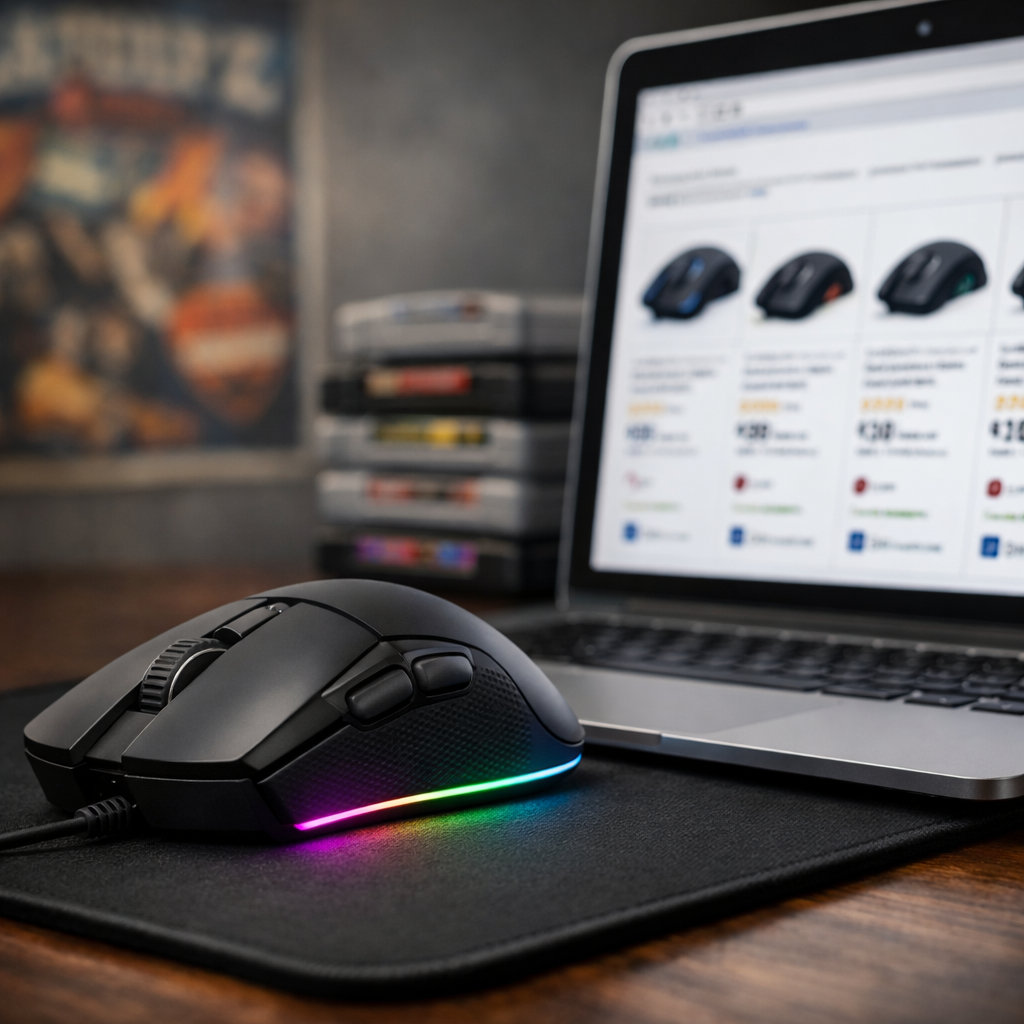
How to Choose Where to Buy a Gaming Mouse With Confidence
A great gaming mouse starts with how it fits your hand—and ends with where you buy it. The smart path is simple: lock in comfort and shape, confirm performance with trusted tests, and choose a retailer that protects returns, warranty, and authenticity. Below, we distill the essential steps—fit-first ergonomics, wired vs. wireless trade-offs, sensor needs and budgets—then show how to compare shapes online, verify hands-on evidence, and pick authorized sellers with fair return policies. Along the way, we call out common pitfalls like counterfeit gaming mouse listings and double‑click–prone switches so you can buy with confidence, not guesswork. At Retro Gaming Blog, we keep the focus on comfort-tested picks, real‑world use, and authenticity checks.
Start with fit and grip
Fit by hand size first; comfort and control beat raw specs when choosing a mouse. A perfect sensor won’t matter if the mouse shape fights your grip or strains your wrist. Start with two quick measurements—hand length (wrist crease to tip of middle finger) and hand width (across the knuckles)—to filter by mouse shape and size fast.
-
Palm grip: Your whole palm rests on the shell, with fingers relaxed and fully supported. This grip prioritizes sustained comfort and smooth tracking arcs over rapid micro-corrections. Look for fuller, higher‑hump bodies that fill the hand evenly, stable thumb support, and shells that avoid pressure hotspots during long sessions.
-
Claw grip: Your palm contacts the rear hump while your fingers arch and drive precise clicks from above. This style favors quick flicks and controlled bursts. Seek medium profiles with defined rear humps, crisp primary button separation, and narrower mid‑sections that let you “pinch” for leverage without cramping or finger curl strain.
-
Fingertip grip: Your palm barely touches the mouse, with fingertips steering all movement. It excels at rapid aim adjustments and low‑inertia swipes. Target compact, low‑profile shells with low weight and flat, predictable sides for lift‑off control. Prioritize easy-to-reach buttons without stretching or accidental presses.
Note: Professional reviewers validate ergonomics for gaming mice across multiple grip styles and hand sizes to reduce bias and map real‑world fit.
Quick filter by playstyle:
- Fast FPS: Lightweight, low‑profile, easy‑to‑claw bodies.
- MMO/MOBA: Fuller bodies with more side buttons for reach.
Keywords to consider as you shortlist: hand size, grip style, ergonomics for gaming mice, and mouse shape.
Decide wired or wireless and weight targets
Polling rate describes how often the mouse reports its position to your PC per second. At 1,000Hz, it sends updates roughly every millisecond; at 8,000Hz, every 0.125ms. For roughly 99% of players, 1,000Hz is functionally sufficient; some elite and specialized mice target 8,000Hz for niche use cases, as noted in TechGearLab’s gaming mouse guide (see TechGearLab’s gaming mouse guide: https://www.techgearlab.com/topics/cool-gadgets/best-gaming-mouse).
Connection trade‑offs:
- Wireless vs. wired: Modern 2.4GHz receivers rival wired latency; Bluetooth adds convenience but can be less consistent for competitive play. For tournaments or twitch shooters, stick to wired or 2.4GHz over Bluetooth, a stance echoed by Wirecutter’s gaming mouse picks (see Wirecutter’s gaming mouse picks: https://www.nytimes.com/wirecutter/reviews/best-wired-wireless-gaming-mouse/) and IGN’s best gaming mouse roundup (see IGN’s best gaming mouse roundup: https://www.ign.com/articles/best-gaming-mouse).
- Battery life expectations: Many wireless models can reach around 90 hours at 1,000Hz with default lighting, per long‑term tests summarized by Wirecutter.
Weight guidance:
- Fast FPS: Aim under ~60g to reduce inertia and strain.
- Ultra‑light example: Reviewers frequently spotlight 50–55g “shell‑as‑skeleton” designs such as the Cooler Master MM710 (~53g) in the same class as sub‑60g picks (see Wired’s best gaming mouse list: https://www.wired.com/gallery/best-gaming-mouse/).
Set button count, sensor needs, and budget
DPI (dots per inch) measures sensitivity (cursor travel per inch of mouse movement), while IPS (inches per second) reflects maximum tracking speed before the sensor loses accuracy. Modern sensors like PixArt’s latest lines (e.g., PAW3950) can hit up to about 30,000 DPI and 750 IPS—well beyond what most casual and competitive players practically need, as surveyable across PC Gamer’s top gaming mice (see PC Gamer’s top gaming mice: https://www.pcgamer.com/the-best-gaming-mouse/).
Match features to your games:
- Programmable buttons: MMO‑style mice with dense side clusters excel at hotkey‑heavy play, while FPS players often prefer leaner layouts with a reliable DPI clutch or sniper button.
- Range example: Popular MMO families like the Razer Naga series offer many programmable buttons paired with 30K‑class sensors; boutique and next‑gen models push into the 30–33K range in current lineups covered by mainstream roundups (see TechGearLab’s gaming mouse guide: https://www.techgearlab.com/topics/cool-gadgets/best-gaming-mouse and Wired’s best gaming mouse list: https://www.wired.com/gallery/best-gaming-mouse/).
Budget smartly:
- Under $50: Solid basics; expect more plastic flex, fewer durability claims.
- $50–$100: Strong value tier with proven sensors and better feet/cables.
- $100+: Flagship shapes, ultra‑light builds, hot‑swap or modular extras.
- Durability matters: Prioritize switch quality and warranty support over extreme DPI. Budget models sometimes ship with mechanical switches that are more prone to double‑click drift over time; a known concern in long‑term testing communities summarized by Wirecutter (see Wirecutter’s gaming mouse picks: https://www.nytimes.com/wirecutter/reviews/best-wired-wireless-gaming-mouse/).
Keywords to keep in mind as you filter: programmable buttons, sensor performance, best budget gaming mouse.
Compare shapes with measurement tools
De‑risk online buying by matching shapes you already love. Use the EloShapes mouse shape database to visually compare dimensions, curvature, and grip compatibility—it catalogs 1,400+ gaming mice and tracks 100+ sensors and 100+ switch families for precise filtering (see EloShapes mouse shape database: https://www.eloshapes.com/).
Three‑step micro flow:
- Measure your current favorite mouse (L×W×H).
- Search it in EloShapes and pull “similar shape” matches.
- Compare width‑at‑grip and hump height/position to anticipate comfort.
Use a quick logging table to stay organized:
| Model | Dimensions (L×W×H) | Weight | Hump Position | Notes on Grip Support |
|---|---|---|---|---|
| Rear/Mid/Front | Palm/Claw/Fingertip takeaways | |||
| Rear/Mid/Front | Palm/Claw/Fingertip takeaways |
Keywords: mouse shape comparison, size overlay, hand fit.
Validate with hands-on reviews and lab tests
- Watch multiple YouTube reviews to see shape, clicks, and glide in motion; real‑time flicks and grip swaps often reveal what photos can’t, as you’ll notice in this hands-on review (see this hands-on review: https://www.youtube.com/watch?v=GJlMoelzOGg).
- Scan store reviews filtered to “verified purchase.” Look for recurring themes (e.g., reliable scroll, side‑button reach) and down‑weight one‑off outliers.
- Cross‑check lab data for sensor performance, polling, click latency, and wireless stability on objective sites like RTINGS’ lab-tested mouse ratings (see RTINGS’ lab-tested mouse ratings: https://www.rtings.com/mouse/reviews/best/by-usage/gaming) and editorial roundups that publish latency and tracking tests (see TechGearLab’s gaming mouse guide: https://www.techgearlab.com/topics/cool-gadgets/best-gaming-mouse and Wired’s best gaming mouse list: https://www.wired.com/gallery/best-gaming-mouse/).
- Wireless checks: Favor tests that place the receiver more than three feet away, and verify whether settings can be saved to onboard memory for travel between systems—practicalities highlighted in Wirecutter’s long‑term notes (see Wirecutter’s gaming mouse picks: https://www.nytimes.com/wirecutter/reviews/best-wired-wireless-gaming-mouse/).
Keywords: click latency, polling rate tests, onboard memory profiles.
Retro Gaming Blog cross‑references lab data with in‑hand impressions so you can spot fit and reliability trends sooner.
Evaluate retailers for price, returns, and authenticity
Where can I get gaming mice and avoid headaches? Contrast your options:
- Marketplaces (Amazon, Walmart, Newegg, Best Buy): Wide selection and frequent deals; scrutinize “Ships from/Sold by” to ensure an authorized reseller and simpler warranty support.
- Brick‑and‑mortar: Try sizing in person and enjoy straightforward returns.
- Regional specialists: Stock rare models and regional SKUs; helpful for niche shapes and Japan‑only variants, often surfaced in PC Gamer’s deal and model coverage (see PC Gamer’s top gaming mice: https://www.pcgamer.com/the-best-gaming-mouse/).
Authenticity safeguards:
- Prefer authorized sellers and inspect serial numbers on arrival.
- Tap community hubs (Discord, Reddit) to spot early QC trends or counterfeit gaming mouse flags in real time, a tactic reviewers frequently recommend after monitoring user‑reported issues (see this hands-on review: https://www.youtube.com/watch?v=GJlMoelzOGg).
Prioritize retailers with generous 30‑day returns and clear 1–2 year warranties; peripherals are personal, and return policy flexibility protects against poor fit. Retro Gaming Blog’s authenticity guidance echoes these steps for spotting risky listings and smoothing returns.
Mini checklist:
- Verify seller rating and “Ships from/Sold by.”
- Confirm return window, restocking fees, and warranty registration steps.
- Screenshot and save product page specs for future claims.
Keywords: authorized reseller, return policy, counterfeit gaming mouse.
Time your purchase and protect the warranty
Track prices and set alerts—editorial outlets regularly round up the best gaming mouse deals across major retailers (see PC Gamer’s top gaming mice: https://www.pcgamer.com/the-best-gaming-mouse/).
Purchase flow:
- Define priorities (grip, size, weight, wired/wireless, buttons, budget).
- Narrow models with spec/shape tools (EloShapes).
- Watch multiple hands‑on reviews and scan verified user feedback.
- Consult lab tests for sensor/polling/latency if performance matters.
- Compare vendors for price, return policy, warranty, and authenticity.
- Buy when these align; save receipts and register warranty (drawing on resources like Retro Gaming Blog’s comfort‑tested guides, EloShapes, YouTube hands‑ons, and TechGearLab/Wirecutter/RTINGS data: see EloShapes mouse shape database: https://www.eloshapes.com/, this hands-on review: https://www.youtube.com/watch?v=GJlMoelzOGg, TechGearLab’s gaming mouse guide: https://www.techgearlab.com/topics/cool-gadgets/best-gaming-mouse).
Immediately test within the return window: clicks, scroll feel, glide on your pad, wireless stability, and software profiles. Better software supports multiple profiles and saving settings to the mouse for travel.
Keywords: price tracking, warranty registration, return window.
Retro perspective for modern mice
Magazine-era community refers to the pre‑broadband network of print mags, demo kiosks, and local shops where players tested hardware in person, swapped tips, and trusted long‑form reviews over ads. That ethos maps cleanly to today’s in‑store tryouts, deep‑dive testing, and community verification. Explore our comfort‑tested approach and retro context in our ’90s features and authenticity guidance (see comfort-tested: https://www.retrogamingblog.com/tags/comfort-tested, why the ’90s were the golden age: https://www.retrogamingblog.com/posts/why-the-90s-were-the-golden-age-of-gaming, how to spot fake retro gear: https://www.retrogamingblog.com/posts/how-to-spot-fake-retro-consoles-on-ebay).
Lessons from the ’90s accessory boom
Back when joysticks, trackballs, and ball‑mice exploded in variety, kiosk tryouts taught us that in‑hand feel beats spec sheets. The same holds today: try shapes in person when possible, a refrain echoed in modern buying guides (see TechGearLab’s gaming mouse guide: https://www.techgearlab.com/topics/cool-gadgets/best-gaming-mouse). And just as early polling debates raged, remember today’s sanity check—1,000Hz is enough for roughly 99% of gamers.
Then vs. now:
- Then: magazine shootouts, demo stations, word‑of‑mouth.
- Now: YouTube hands‑ons, lab tests, community Discords/Reddit for real‑time flags.
Try-before-you-buy and the magazine-era community
Bring your grip notes and hand measurements to stores; mock your grip, check hump position, and feel sidewall widths. Back home, validate impressions with EloShapes size overlays (see EloShapes mouse shape database: https://www.eloshapes.com/). Translate old letter‑page wisdom to today by cross‑reading “verified purchase” reviews and watching multiple hands‑on videos to reduce bias (see this hands-on review: https://www.youtube.com/watch?v=GJlMoelzOGg).
In‑store script:
- 60‑second swipe test across your usual pad speed.
- Fingertip aim drill for micro‑adjusts.
- Scroll‑wheel micro‑notch precision check.
Global scenes and Japan’s peripheral culture
Regional specialists often stock rare shapes or Japan‑only SKUs. Check reputable local e‑tailers and hobby shops alongside big marketplaces for broader selection and faster support, and lean on global community hubs for early QC notes and import guidance (see PC Gamer’s top gaming mice: https://www.pcgamer.com/the-best-gaming-mouse/). Keywords: Japan gaming peripherals, regional retailers, import mice.
RGB mods, upscaling mindsets, and tinker-friendly mice
Onboard memory stores DPI steps, polling, lighting, and macros directly in the mouse so your settings travel between PCs without software. It’s essential for LANs, cafés, and retro rigs where you might not install drivers; better suites support multiple onboard profiles and quick hardware cycling (see Wirecutter’s gaming mouse picks: https://www.nytimes.com/wirecutter/reviews/best-wired-wireless-gaming-mouse/).
If tinkering appeals, consider hot‑swappable switches or modular shells—but read warranty terms to avoid voiding coverage. Apply a “test, tune, upscale” mindset borrowed from CRT and RGB lighting tweaks: nail fit first, then refine sensor/polling, button mapping, and RGB lighting software to taste. Keywords: onboard profiles, hot-swappable switches, RGB lighting software.
Frequently asked questions
Where can I get gaming mice and still avoid counterfeits?
Buy from well‑known retailers and authorized sellers, and confirm “Ships from/Sold by” details. Check reviews for verified purchases, inspect serial numbers on arrival, and use Retro Gaming Blog’s authenticity tips to spot fakes fast.
What return and warranty terms should I look for?
Retro Gaming Blog recommends at least a 30‑day return window and a 1–2 year warranty. Prioritize sellers with easy label‑free returns, and register your mouse immediately so switch or battery issues are covered without hassle.
Should I buy from a marketplace or the manufacturer?
Marketplaces often have better prices and fast shipping, while manufacturer stores guarantee authenticity and direct support. Retro Gaming Blog suggests comparing both for total cost, return ease, and availability, then choosing the best balance of value and protections.
How can I tell if a mouse will fit my hand before I buy?
Measure your hand and your current favorite mouse, then use shape‑comparison tools to match length, width, and hump height. Watch multiple hands‑on videos—and consult Retro Gaming Blog’s comfort‑tested notes—to confirm grip comfort before committing.
When is the best time to buy for the lowest price?
Track prices and set alerts, then target seasonal sales and big shopping events. Pull the trigger when a solid discount aligns with a generous return window and you’ve confirmed fit through shape tools, reviews, and Retro Gaming Blog’s guidance.