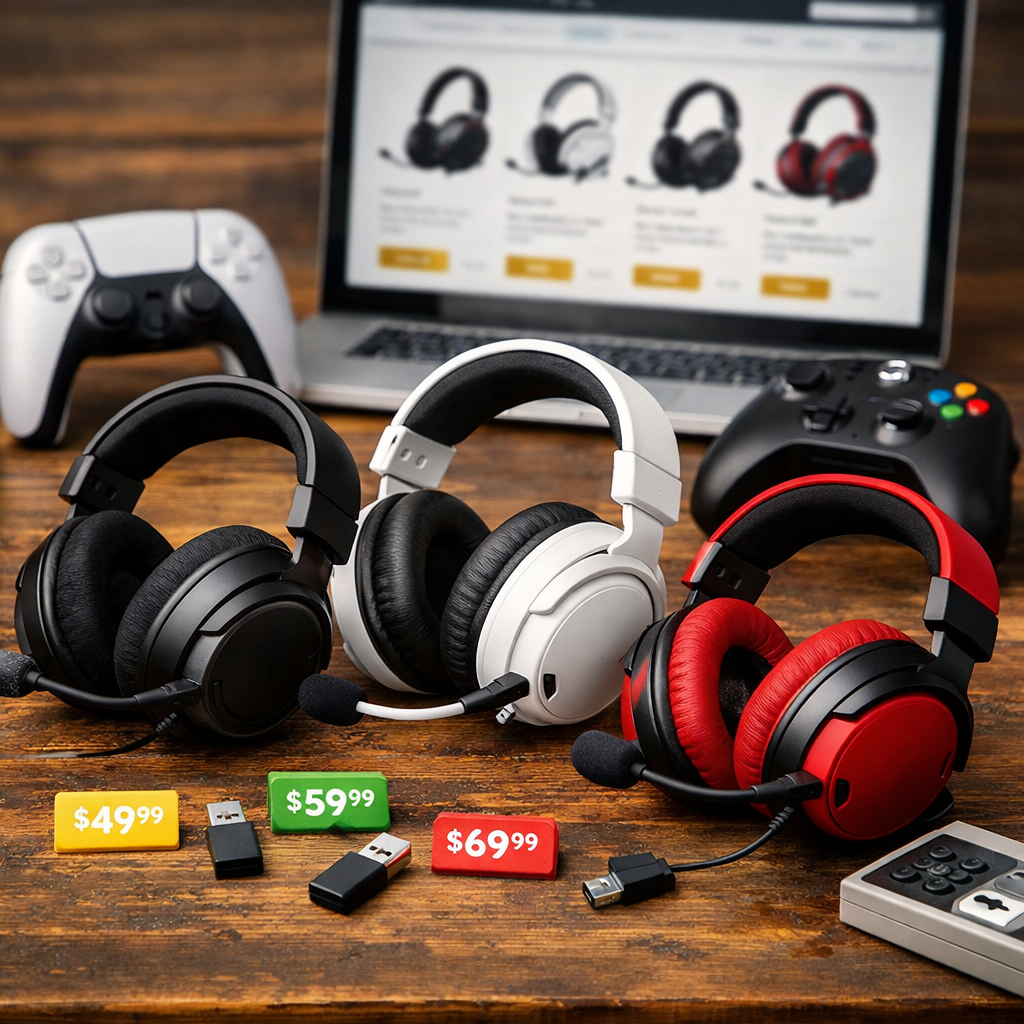
In-Stock Cross-Platform Gaming Headsets: Where to Buy for All Consoles
Looking for an in-stock cross-platform gaming headset that works on Xbox, PS5, Switch, PC, and your phone? Start with major retailers that keep reliable inventory—Amazon, Best Buy, Walmart, B&H, and manufacturer stores—and pick the seller with fast shipping plus a friendly return window. The smartest buys combine a low-latency 2.4GHz dongle for consoles/PC, Bluetooth for calls and Discord, and a 3.5mm wired fallback for anything with a headphone jack. Before you click buy, confirm the exact console variant (especially for Xbox), scan battery and mic specs, and compare stock status and returns. This Retro Gaming Blog guide highlights where to buy now, how to verify compatibility, and the best cross-platform picks by connection style and budget.
What cross-platform means for Xbox, PlayStation, Switch, PC, and mobile
“Cross-platform” headset definition: A cross-platform gaming headset is a single pair that connects to Xbox, PlayStation, Nintendo Switch, PC, and phones using a 2.4GHz USB dongle, Bluetooth, and/or 3.5mm/USB cables. The aim: consistent game audio and chat, quick switching, and low-latency performance across devices.
Console behavior matters. PS5 typically accepts many standard USB 2.4GHz wireless dongles, while Xbox often requires a platform-specific wireless variant or dongle designed for Xbox because it uses a different wireless protocol, which is why many models ship in separate PS5/Xbox SKUs, as noted in Tom’s Hardware’s wireless headsets guide (Tom’s Hardware).
When in doubt, fall back to a wire. A 3.5mm or USB wired mode is the broadest safety net across consoles and handhelds, though features like virtual surround or on-ear controls can vary by platform.
Key features that make a headset truly universal
Prioritize the connection stack. A 2.4GHz USB dongle delivers the lowest-latency game audio; add Bluetooth (ideally multipoint) for phone calls or Discord, and keep a 3.5mm cable for guaranteed basic compatibility. Reviewers consistently note “2.4GHz is the go-to for low-latency gaming,” with Bluetooth best reserved for secondary audio (SoundGuys).
Set realistic battery and comfort targets. Many current multiplatform headset lines advertise 40–80+ hours on a charge—examples include Turtle Beach Stealth 700 Gen 3 (~80 hours) and SteelSeries Arctis Nova 5X (about 42+ hours), giving you multi-week play between charges when you game nightly (SoundGuys). Look for breathable pads, lighter weight, and moderate clamp for long retro and modern sessions.
Mind the mic and repairability. Detachable or boom microphones generally capture clearer, more consistent voice than inline mics, and headsets with fixed 3.5mm leads are harder to fix if the cable fails—sometimes requiring opening the earcup and soldering—per Wirecutter’s headsets testing (Wirecutter).
Where to buy now with reliable stock and returns
Check stock and pricing at Amazon, Best Buy, Walmart, B&H, and each brand’s own store; big reviews often track deals at these outlets, so model pages are a good barometer for current availability. Compare ship dates and set restock alerts if your preferred Xbox/PS5 variant is out.
Choose retailers with clear 14–30 day return windows, easy exchanges, and prepaid labels. Comfort, seal, and mic tone vary by head size and room noise—testing at home is essential. Retro Gaming Blog prioritizes transparent policies and prepaid labels so you can actually test fit at home.
A quick, dependable purchase flow:
- Shortlist models that fit your connection needs.
- Verify the correct console variant (PS5 vs. Xbox) and included dongle/hub.
- Check battery and mic specs; confirm a wired backup.
- Compare stock status, shipping speed, and returns; buy the one you can test risk-free.
Best bets by connection type
Use this map to match your switching style to a connection that fits your setup.
| Connection type | Best use | Example models | Typical retailers |
|---|---|---|---|
| 2.4GHz USB-C/USB-A dongle (lowest latency) | PS5/Switch/PC with minimal audio delay; simple plug-and-play | SteelSeries Arctis Nova 5X (USB-C dongle with platform switch; ~42+ hours) | Amazon, Best Buy, SteelSeries store |
| Dual-dongle or hub switching | Fast console swaps without re-pairing | Turtle Beach Stealth 700 Gen 3 (CrossPlay dual transmitters; ~80 hours); Logitech Astro A20 X (multi-device hub switching) | Amazon, Best Buy, Turtle Beach/Logitech stores |
| Bluetooth + 2.4GHz (simultaneous) | Game on 2.4GHz while taking calls or Discord on phone | Turtle Beach Stealth 600/700 Gen 3 (console/PC + Bluetooth) | Amazon, Walmart, brand stores |
| Wired 3.5mm/USB | Universal fallback; best for retro consoles and handhelds | HyperX Cloud Stinger 2 (budget-friendly, “just works”) | Amazon, Walmart, HyperX store |
For a quick primer on multiplatform connectivity stacks and why brands ship separate Xbox/PlayStation versions, see Turtle Beach’s multiplatform overview (Turtle Beach).
Trusted models that work across consoles
Mid-range all-rounders
- Razer BlackShark V2 Pro Wireless: Lightweight, crisp tuning, USB-C dongle with adapter, and reliable boom mic. Commonly stocked at Amazon and Best Buy.
- SteelSeries Arctis Nova 5X: USB-C platform-switch dongle and fast charging with ~42+ hours battery; easy travel pick. Widely available at Amazon, Best Buy, and SteelSeries direct (SoundGuys).
Premium fidelity
- Audeze Maxwell: Excellent planar-magnetic sound with broad support across PC, PlayStation, Xbox variants, and Switch—just verify the exact console version at checkout (Tom’s Guide).
- SteelSeries Arctis Nova Elite: Frequently praised for top-tier audio, mic quality, and comfort with robust software support (IGN).
Switch-and-go specialists
- Turtle Beach Stealth 700 Gen 3: CrossPlay dual-dongle platform switching and an ~80-hour battery make it a true daily driver across systems (SoundGuys).
- Logitech Astro A20 X: Designed for effortless multi-device switching across two consoles via its transmitter setup; check big-box availability for the variant you need.
Budget heroes
- HyperX Cloud Stinger 2: A sub-$50 wired staple that “just works” across platforms and still nails comfort for long sessions (RTINGS).
Retro Gaming Blog’s take for classic and modern setups
Run one headset for everything. Use a 2.4GHz + Bluetooth headset on PS5/Series X for low-latency play and calls, then plug the same set into retro hardware, upscalers, or CRT switchers via 3.5mm for lag-free classics.
If you mod and scale, test the wired path first. Mixed analog/digital chains can introduce hum or ground noise; confirm which device (scaler, switcher, or capture box) offers the cleanest headphone out before chasing settings.
Keep the community tips coming. Share your nostalgia builds, pad swaps, and headband fixes—we’re lining up deeper guides on earpad materials and long-term maintenance for collectors.
How to confirm compatibility before you check out
- Verify the console variant. PS5 accepts many standard 2.4GHz dongles while Xbox generally needs an Xbox-specific version; double-check the SKU and included dongle/hub (Tom’s Hardware).
- Check battery and mic claims. Aim for 40–80+ hour listings where available (e.g., Stealth 700 Gen 3 ~80 hours) and a boom mic for clearer chat (SoundGuys).
- Ensure a wired backup. Confirm a 3.5mm or USB wired mode in case pairing is finicky; note that fixed 3.5mm leads can be harder to repair if damaged (Wirecutter).
Tips for catching deals without missing stock
- Track price swings across Amazon, Walmart, Best Buy, and manufacturer sites; promos rotate fast, and “in stock” beats a small discount if you need it now.
- Set restock alerts and list alternates with similar dongle switching or 2.4GHz + Bluetooth stacks so you can pivot if one variant sells out.
- Prioritize 14–30 day returns and free labels to test comfort, seal, and mic tone in real sessions before you commit.
Frequently asked questions
Will one wireless headset really work on Xbox and PlayStation?
Yes, but confirm the exact console variant or included dongle. At Retro Gaming Blog, we always verify PS5 vs. Xbox listings since Xbox often needs an Xbox-specific version.
Is wired 3.5 mm still the safest cross-platform option?
For basic audio, yes. Retro Gaming Blog treats 3.5mm or USB wired as the universal fallback, though virtual surround and chat mixing may not carry over.
What should I look for to avoid latency and chat issues?
Pick a 2.4GHz dongle for low-latency game audio and a boom mic for clear voice, using Bluetooth mainly for calls. Retro Gaming Blog also recommends double-checking the platform variant and return policy.
How do I switch one headset between multiple consoles easily?
Choose dual-dongle or hub setups that toggle platforms without re-pairing, or a USB-C dongle with a platform switch. We like 2.4GHz for gameplay with Bluetooth handling phone chat.
Do I need a platform-specific version if it says multi-platform?
Often yes—many “multi-platform” wireless headsets still come in PS5 and Xbox versions due to different wireless standards. Retro Gaming Blog’s rule: read the product page and box labeling before checkout.