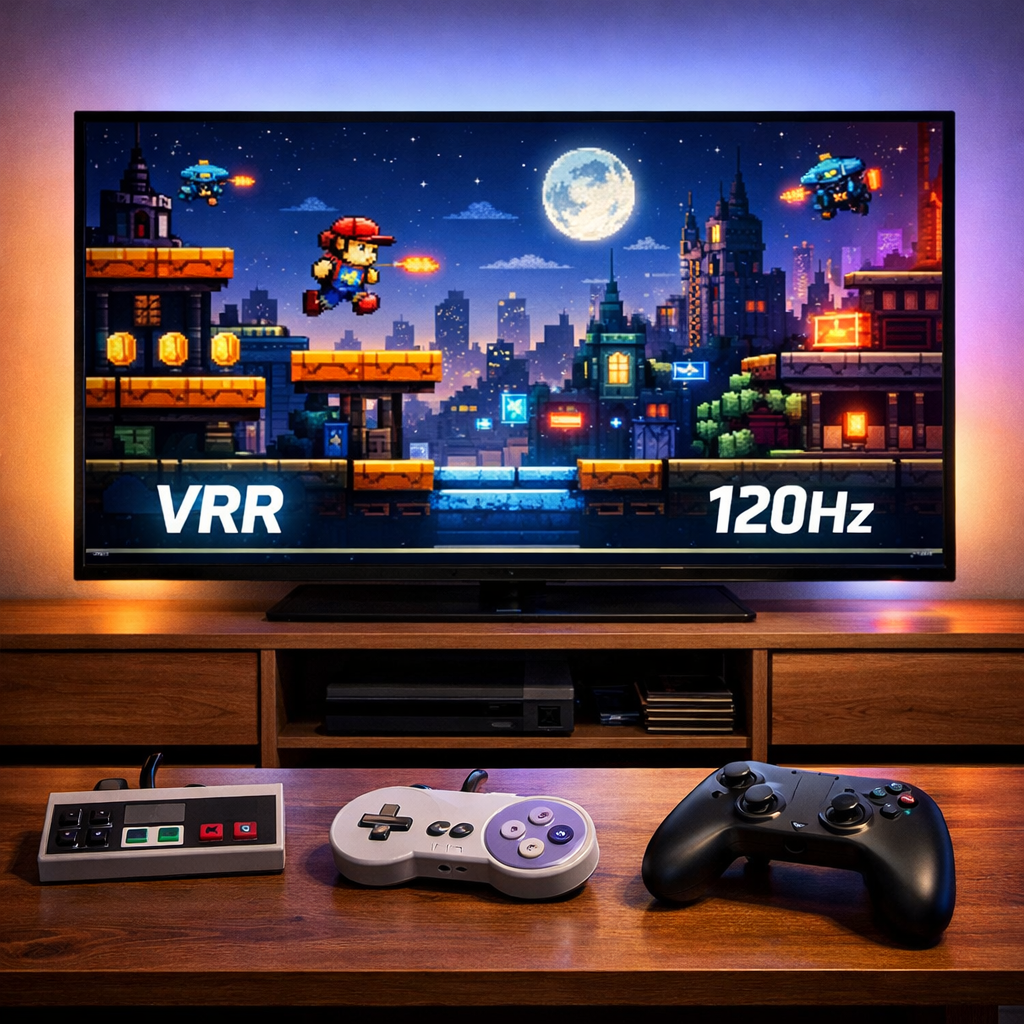
Top 4K Gaming TVs of 2026: Fast, VRR-Ready, Reliable
If you’re shopping for a 4K TV built for play in 2026, prioritize low input lag, HDMI 2.1 bandwidth, Variable Refresh Rate, and 120–165Hz modes. Those four traits unlock tear‑free, responsive performance on PS5, Xbox Series X/S, and gaming PCs. Many current models also add ALLM, Nvidia G‑Sync Compatible, and AMD FreeSync over HDMI for smoother gameplay and automatic low‑latency switching, as outlined in PCMag’s guide to gaming TVs (PCMag’s The Best TVs for Gaming).
“Gaming TV” definition: A gaming TV is a 4K television optimized for responsiveness and motion clarity. It pairs low input lag and fast pixel response with HDMI 2.1 features like 4K/120 (or 144Hz), VRR, and ALLM. The result is fewer artifacts, less blur, and controller‑to‑screen reactions that feel immediate and precise.
“VRR” definition: Variable Refresh Rate dynamically matches a TV’s refresh to the game’s frame rate. By syncing on the fly, it reduces tearing and stutter caused by fluctuating performance, especially in demanding scenes. Xbox Series X/S and PS5 normalized native 120Hz VRR support for living‑room play (IGN’s best TV for gaming).
QD‑OLED and Mini‑LED excel in bright rooms; WOLED and QD‑OLED dominate dark‑room cinematic play. Compare our top models below on refresh rates, VRR types, HDMI 2.1 ports, Dolby Vision, and room fit. For collectors and modders, we also cover scaler setup, 240p/480i handling, and OLED care. Want deeper retro display tips? See Retro Gaming Blog’s latest guides.
Model comparison at a glance:
- All picks: 4K, Game Mode, VRR, and low input lag.
- Consoles: 120Hz is standard; several models add 144–165Hz for PC flexibility.
| Model | Panel | Max refresh | VRR support | HDMI 2.1 ports | Dolby Vision | Best room fit |
|---|---|---|---|---|---|---|
| Samsung S90F | QD‑OLED | 144Hz | HDMI VRR; FreeSync; G‑Sync Compatible | 4 | No | Bright or mixed |
| Samsung S95F | QD‑OLED | Up to 165Hz | HDMI VRR; FreeSync; G‑Sync Compatible | 4 | No | Bright or mixed |
| LG OLED G6 | WOLED | 120–144Hz | HDMI VRR; FreeSync; G‑Sync Compatible | 4 | Yes | Dark, cinematic |
| LG OLED C5 | WOLED | 120–144Hz | HDMI VRR; FreeSync; G‑Sync Compatible | 4 | Yes | Mixed console/PC |
| TCL X11L | Mini‑LED | 144Hz | HDMI VRR; FreeSync; G‑Sync Compatible | At least 2 | Yes | Bright living rooms |
| TCL QM8K | Mini‑LED | 120–144Hz | HDMI VRR; FreeSync; G‑Sync Compatible | At least 2 | Yes | Bright, all‑purpose |
| TCL QM6K | Mini‑LED | 144Hz | HDMI VRR; FreeSync; G‑Sync Compatible | At least 2 | Yes | Budget PC + console |
Retro Gaming Blog
We test with preservation in mind: making sure today’s best 4K gaming TVs respect yesterday’s consoles. That means checking 240p/480i treatment, how Game Modes interact with external scalers (RetroTINK, OSSC), whether integer scaling looks clean, and how to minimize latency when you’re feeding RGB‑modded or S‑Video sources. We validate every pick with real consoles and known‑good scaler chains to keep latency and artifacts in check.
Brand pillars we bring to every pick:
- Retro hardware care and RGB mods that keep classics looking clean.
- Cartridge/console restoration and display/collection tips.
- Cultural history matched with hands‑on setup guidance.
We test with retro gear in mind. Ahead, you’ll find HDMI setup steps for modern and classic consoles, burn‑in management for marathon HUDs, and upscaling tips that preserve CRT‑like clarity.
Samsung S90F
Samsung’s S90F QD‑OLED is a standout for players who want HDR vibrancy, speed, and room versatility. Its quantum‑dot OLED panel delivers higher color volume than comparable WOLEDs, with excellent peak brightness for an OLED and up to 144Hz with VRR on supported sources. Samsung still omits Dolby Vision, but HDR10/HDR10+ gaming looks punchy, and the semi‑gloss finish helps tame reflections. Street prices have dipped notably, with 65‑inch sales around the $1,400 mark in recent cycles (Business Insider’s best 4K TVs).
Mini spec snapshot: QD‑OLED panel, very low input lag, 4x HDMI 2.1, 4K/120–144Hz, VRR (HDMI/FreeSync), Game Mode features, robust Tizen OS.
- Pros:
- Excellent color volume and HDR pop for an OLED; VRR up to 144Hz; confident bright‑room handling.
- Cons:
- No Dolby Vision; larger sizes can price high versus Mini‑LED rivals.
Samsung S95F
If you want top‑tier HDR impact, the S95F’s QD‑OLED elevates specular highlights and color saturation beyond typical WOLED, with some configurations enabling up to 165Hz. Tom’s Guide reports near 2,300‑nit peak brightness with a matte anti‑glare coating that reduces reflections—ideal for mixed lighting and HDR‑heavy showpieces (Tom’s Guide best TVs; Forbes’ best 4K TVs of 2026). Use‑case: cinematic HDR titles in bright or variable lighting, where color volume and anti‑glare matter as much as pure contrast.
- Pros:
- Dazzling highlight brightness and wide color volume for vivid HDR gaming; strong anti‑glare; high‑end refresh options.
- Cons:
- Premium pricing; confirm Dolby Vision status (Samsung typically omits it); verify 165Hz availability by size and region.
LG OLED Evo G6
LG’s G6 refines WOLED for purists who prize deep blacks, accurate tone mapping, and ultra‑low latency in a dark room—without sacrificing modern gaming features. EVO panels trade the absolute HDR punch of QD‑OLED/Mini‑LED for peerless shadow detail and filmic tone, with near‑instant pixel response and silky motion at 120–144Hz plus VRR. LG’s gaming pedigree is well established; CNET previously called the C4 line a top gaming choice thanks to superb contrast and low input lag, and G‑series sets iterate on that formula.
- Pros:
- Near‑instant pixel response; excellent black levels and shadow detail; polished tone mapping for cinematic play.
- Cons:
- Lower peak HDR than QD‑OLED/Mini‑LED; glossy finish can reflect in bright rooms.
LG OLED C5
The C5 hits the midrange sweet spot: flexible 120–144Hz support, accurate colors, a friendly Game Optimizer dashboard, and multiple HDMI 2.1 inputs for PS5/Xbox/PC. It’s widely cited as a top midrange OLED with up to 144Hz support, with native 120Hz that can boost to 144Hz for PC gaming where supported (Business Insider’s best 4K TVs; Forbes’ best 4K TVs of 2026).
- Pros:
- Flexible refresh for consoles and PC; low input lag; great value relative to flagship OLEDs.
- Cons:
- WOLED isn’t as bright as QD‑OLED/Mini‑LED for HDR highlights in sunlit rooms.
TCL X11L
Prefer a bright, durable gaming TV for daytime play? TCL’s X11L Mini‑LED is a performance‑value pick with strong sustained brightness and robust local dimming that combats glare. RTINGS’ gaming tests note that quality Mini‑LED sets can approach deep blacks via dense dimming zones, with only minor haloing around challenging highlights (RTINGS gaming tests). It’s a smart choice if you’re burn‑in‑averse or your room is bathed in sunlight.
- Pros:
- Bright HDR that punches through daylight; strong contrast for LCD family; strong price‑to‑performance.
- Cons:
- Occasional haloing around bright objects; blacks not OLED‑perfect.
TCL QM8K
The QM8K pushes TCL’s Mini‑LED to premium territory: standout HDR brightness and color, a slim, attractive design, and a responsive Google TV OS. Forbes highlights its vivid HDR and upscale execution that puts it near pricier rivals (Forbes’ best 4K TVs of 2026).
- Pros:
- High brightness with impactful HDR; premium design; robust smart features and app support.
- Cons:
- Potential blooming in tough scenes; confirm VRR range matches your console/PC targets.
TCL QM6K
On a budget but want 4K/144Hz responsiveness? TCL’s QM6K is one of the most affordable 144Hz TVs that still delivers credible HDR, Dolby Vision, and Google TV—great for PC players who want high‑fps headroom plus console versatility (CNET’s best gaming TV roundup).
- Pros:
- Outstanding value; 144Hz/VRR for PCs; responsive feel for the money.
- Cons:
- Simpler speakers and processing; check how many HDMI 2.1 ports you get on your size.
How we chose these gaming TVs
At Retro Gaming Blog, we prioritize real‑world play: the feel of input lag, VRR stability, and motion clarity—then verify with measured data and cross‑site reviews from outlets like Business Insider, RTINGS, Forbes, IGN, Tom’s Guide, PCMag, and CNET, plus our hands‑on retro compatibility checks.
Criteria we weight heavily:
- Latency and sync: input lag under ~15ms at 4K/120; stable VRR (HDMI Forum/FreeSync/G‑Sync Compatible); at least two HDMI 2.1 ports.
- HDR performance: peak brightness and color volume for specular detail; we deprioritize edge‑lit sets for HDR gaming.
- Practicality: reliable OS, easy Game Mode controls, availability across sizes/prices. Most 2026 models support 4K/120 for consoles, with select sets offering 144Hz (and even 165Hz) for PC.
Panel tech explained for gamers
QD‑OLED (40–50 words): QD‑OLED is a self‑emissive OLED that uses quantum dots to convert blue OLED light into pure, saturated colors. Compared with WOLED, it delivers higher color volume and greater HDR punch, especially in bright highlights, while retaining perfect black levels and pixel‑level contrast for gaming and movies.
WOLED (40–50 words): WOLED is a self‑emissive OLED using a white subpixel stack with color filters. It typically runs dimmer at HDR peaks than QD‑OLED or Mini‑LED, but it excels in deep blacks, shadow detail, and filmic tone mapping—ideal for dark‑room play where contrast and uniformity matter most.
Mini‑LED (40–50 words): Mini‑LED is an LCD with thousands of tiny LEDs and dense local‑dimming zones. It delivers very high brightness and strong HDR for daylight viewing, approaching OLED‑like blacks in many scenes, though minor haloing can appear around bright objects against dark backgrounds due to dimming limitations.
Quick comparison:
| Trait | QD‑OLED | WOLED | Mini‑LED |
|---|---|---|---|
| Black levels | Perfect | Perfect | Very good (zone‑based) |
| HDR peak | Very high | High | Very high |
| Color volume | Excellent | Very good | Very good |
| Burn‑in risk | Low‑to‑moderate | Low‑to‑moderate | None (LCD) |
| Bright‑room fit | Strong | Moderate | Excellent |
| Typical prices | Premium | Mid‑to‑premium | Budget‑to‑premium |
HDMI setup tips for modern and retro consoles
Modern setup checklist:
- Use HDMI 2.1 ports for PS5/Xbox Series X and enable 4K/120, VRR, and ALLM; current consoles normalized 120Hz VRR support.
- For PCs, enable VRR/G‑Sync/FreeSync where available; many 2026 TVs expose these over HDMI for smoother frame pacing.
Retro setup guidance:
- Use quality scalers (RetroTINK/OSSC) with integer scaling for 240p/480i; disable motion smoothing, heavy noise reduction, and de‑judder/de‑blur.
- Map your scaler to the lowest‑lag HDMI input; confirm Game Mode is active and test each retro source for consistent latency.
Avoiding burn-in and preserving OLED longevity
Burn‑in (45–50 words): Burn‑in is permanent image retention on self‑emissive panels when static elements (HUDs, logos) persist at high brightness for very long periods. Modern OLEDs mitigate this via pixel refresh, logo dimming, pixel shifting, and screensavers. With sensible settings and varied content, risk is low for typical home use.
Care tips:
- Keep OLED Light/Brightness moderate in long sessions; enable logo dimming and pixel shift.
- Vary content and take breaks; let panel refresh cycles complete when prompted after shutdown.
- If you play bright, static‑HUD games in sunlit rooms, consider Mini‑LED—or QD‑OLED with anti‑glare—to reduce stress on the panel.
Upscaling and lag when playing classic systems
Input lag (40–50 words): Input lag is the delay between pressing a button and seeing the action on screen. Lower is better—under 20ms feels immediate for most players. Game Modes cut processing to reduce lag, and while VRR smooths frame delivery, it can’t compensate for slow video processing pipelines.
Recommendations:
- Feed 240p/480i through dedicated scalers (RetroTINK/OSSC); use integer scaling, and avoid heavy deinterlacing/post‑processing that adds latency.
- Assign per‑HDMI Game Mode settings; with ALLM, the TV can auto‑engage low‑lag profiles so each retro source stays responsive.
Mounting, sizing, and room lighting for optimal play
Choose the biggest screen that fits your space; at 6–9 feet, 65–77 inches immerses without eye strain. Confirm VESA mount sizes and leave cable clearance for scalers and HDMI switches. For lighting, QD‑OLED/Mini‑LED and matte/anti‑glare finishes handle bright rooms best (S95F’s matte layer helps). Bias lighting behind the TV eases eye strain and preserves perceived contrast in dark rooms.
Frequently asked questions
Do I need 120Hz or 144Hz for console gaming?
120Hz is the sweet spot for PS5 and Xbox Series X/S. Pick 144Hz if you also game on PC and want extra headroom; see Retro Gaming Blog’s setup tips if you’re mixing PC and consoles.
What is VRR and will it work with my consoles and PC?
Variable Refresh Rate syncs your TV’s refresh with the game’s frame rate to reduce tearing and stutter. Most 2026 TVs support HDMI VRR and often FreeSync or G‑Sync Compatible, so it works with PS5, Xbox, and modern GPUs; check Retro Gaming Blog’s model notes for specifics.
How can I reduce input lag when using retro hardware?
Use a quality scaler, plug it into a TV HDMI 2.1 port with Game Mode/ALLM enabled, and turn off motion smoothing and heavy processing. Stick to integer scaling and avoid deinterlacing modes that spike latency—our scaler guides walk through presets.
Are OLEDs safe for long gaming sessions with static HUDs?
Yes, with normal care. Enable pixel shift/logo dimming, keep brightness moderate for long sessions, vary content, and allow panel refresh cycles to run; see Retro Gaming Blog’s OLED care checklist.
How many HDMI 2.1 ports do I really need?
At least two if you own multiple consoles or a console plus a gaming PC. Four is ideal for plug‑and‑play flexibility, especially if you also use an eARC sound system or external scaler; see Retro Gaming Blog’s HDMI layout tips.