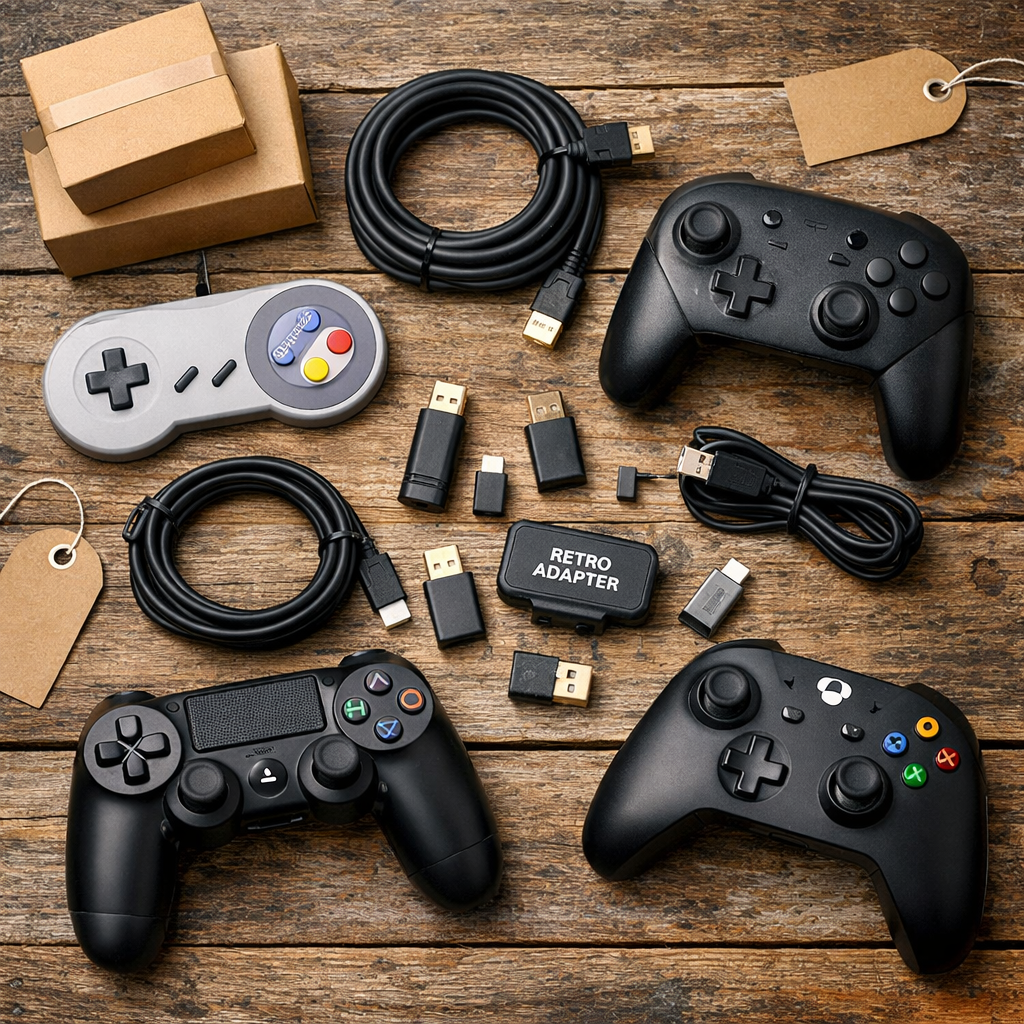
Top Retailers for Multi-Platform Controllers, Cables, and Retro Adapters
Looking for the best cross-platform gaming accessories retailers? This guide zeroes in on trustworthy places to buy multi-platform controllers, retro adapters, and quality cables—balancing price, performance, and return policies. Cross-platform accessories matter because so many of us mix modern PCs and consoles with ’90s-era gear, chase clean RGB/SCART video, and host couch co-op nights where compatibility and low latency keep the fun flowing. Cross-platform controller: A gamepad designed to work on multiple systems (e.g., PC, Switch, Xbox, Android) via Bluetooth, 2.4GHz dongle, or wired USB. The best models support remapping, firmware updates, and low-latency modes. Always verify platform lists, wired fallback, and return policies. Below, we compare mainstream convenience vs. specialist reliability, with clear checklists and quick-buy tips.
Retro Gaming Blog
At Retro Gaming Blog, we blend ’90s golden age nostalgia with practical, accuracy-first buying advice. Tactile quality, consistent returns, and verified pinouts matter as much as specs when you’re routing a PAL SNES through SCART into an OSSC or splitting pads for four-player Streets of Rage. Our picks synthesize lab-tested expert reviews with community reports, weighing big-box convenience for mainstream gear against specialist sellers for rare parts and adapters. We keep these resources current as firmware, availability, and prices move. Expect checklists, tables, and price bands for rapid decisions—and see our mobile gaming coverage for remote-play and travel tips via our mobile gaming tag.
Amazon
Amazon is a first stop for breadth, quick stock checks, and fast delivery. It’s ideal for mainstream cross-platform controllers and common adapters, but seller quality and warranties can vary. As one overview notes, “Amazon is a major retailer for popular gaming controllers” (see Wired’s controller buying guide), alongside Walmart and Best Buy for widespread availability. Use the quick-check list below—the same criteria we use at Retro Gaming Blog—to screen listings fast.
Recommendations:
- Filter by “Ships from and sold by Amazon,” and confirm the return window on adapters and cables. Expect mainstream wireless controllers around $40–$60, with wired models often about half that per Wirecutter’s controller picks.
- Verify Hall-effect sticks and detachable USB‑C cables in listings for longevity and easy replacements (PC Gamer highlights Hall-effect’s drift resistance in PC Gamer’s PC controller guide; see price context in Wirecutter above).
- Quick-check before buying:
- Platform compatibility (Switch/Xbox/PC listed explicitly)
- Wired fallback mode (USB) for latency-sensitive play and setup/firmware updates
- Warranty length (aim for at least 12 months on controllers)
- Verified user photos and recent reviews
Best Buy
Best Buy stands out for dependable in-store returns and mainstream stock. It’s great for testing ergonomics—comfort and grip shape reduce fatigue during marathon sessions—and for quick exchanges. While niche retro adapters are thinner on shelves, the chain’s straightforward return policies help with finicky gear. Best Buy is a go-to brick-and-mortar retailer for controllers and accessories (noted in Wired above). We often point readers to Best Buy when an in-person grip test can make or break a purchase.
Recommendations:
- Do an in-person grip test to gauge shape, weight, and trigger feel—small differences matter over long sessions, as ergonomics are a recurring theme in IGN’s Xbox controller roundup.
- Pair in-store pickup with open-box deals for budget wins; remember the $40–$60 wireless baseline and roughly half that for wired (Wirecutter above).
- For adapters, rely on clear return windows and store support if compatibility surprises pop up.
Walmart
Walmart is a solid value play for first-party and budget controllers—great for in-stock couch co-op extras. You’ll find fewer specialty retro adapters, but pricing is competitive across mainstream gear. Walmart also regularly carries the usual console-brand pads mentioned by Wired.
Recommendations:
- Target budget lines for extra players; validate build quality (detachable cable, tactile switches) on the product page. The Turtle Beach Rematch Core is a popular budget example for PC to research (highlighted in Tom’s Guide controller recommendations).
- Confirm cross-platform modes: Bluetooth vs. 2.4GHz dongle vs. wired USB, and note the exchange window before a game night.
Target
Target is convenient for curbside pickup and grabs of mainstream, first-party controllers. It’s not a retro specialist, but it’s dependable for quick needs.
Recommendations:
- Use Target for backup pads and family multiplayer nights; confirm wired fallback for older PCs and for the lowest-latency sessions.
- Check online-only SKUs for wider colorways and occasional accessory bundles.
- Big-box returns make it easy to test comfort and pairing across devices without hassle.
Backbone
Backbone’s mobile controllers excel for cloud gaming, travel, and remote play, using a low-latency wired connection to phones. Backbone One plugs into phones via USB‑C or Lightning to avoid input lag and expands to fit most phones (as noted in Wired’s overview linked earlier). For setup tips, see our mobile gaming coverage linked above.
Recommendations:
- Cross-platform use cases: console remote play, mobile emulation front-ends, and long-form JRPG sessions on the couch.
- Check phone compatibility, case fit, and firmware/app support before buying.
Backbone vs. Bluetooth pad + clip:
- Latency: Backbone (wired) is lower and more consistent; Bluetooth depends on phone and environment.
- Comfort: Backbone’s split-grip design is steadier; clips can be top-heavy.
- Setup: Backbone is plug-and-play; clips add pairing steps and balance tweaks.
- Price: Backbone costs more upfront; a Bluetooth pad + clip can be cheaper if you already own the pad.
| Option | Latency | Comfort | Setup | Typical Price |
|---|---|---|---|---|
| Backbone One (USB‑C/Lightning) | Lowest (wired) | Balanced, two-hand grip | Plug in and play | Mid–High |
| Bluetooth pad + phone clip | Variable (BT) | Can be top-heavy | Pair, mount, adjust | Low–Mid |
Consolegoods.co.uk
For retro cables, SCART leads, and hard-to-find adapters, Consolegoods is a community-trusted specialist—especially useful for region-specific and legacy connectors. A user recommendation in a Reddit thread from r/retrogaming calls out Consolegoods.co.uk as a reliable source.
Recommendations:
- Verify pinouts, console revisions, and shielding quality. For cross-platform or conversion use, specialist makers and community sellers are often most reliable.
- Message the seller with your exact chain (e.g., PAL SNES > SCART > OSSC > HDMI) for the right cable and ferrite/shielding options.
- Read return/support language carefully before purchasing custom or made-to-order leads.
How we chose these retailers
We prioritized breadth of multi-platform stock (wired/wireless, Hall-effect options, paddles), availability of retro cables/adapters, clear pricing bands, return/support clarity, and independent testing on ergonomics and latency. For cost baselines, wireless controllers commonly land at $40–$60, with wired models roughly half that (see Wirecutter link above). Community validation matters for niche parts: Consolegoods and adapter makers like Brooks (for cross-compatibility bridges) surface repeatedly in enthusiast coverage and guides such as IGN’s Xbox accessories roundup. We update this guide as availability and return policies shift.
What to look for in cross-platform controllers
Checklist for longevity, compatibility, and feel:
- Hall-effect sensors: A joystick or trigger component that uses magnetic sensing to detect input without physical contact on the potentiometer track. This design resists stick drift, improves accuracy over time, and increases controller longevity compared to traditional analog mechanisms (see PC Gamer link above).
- Wired fallback and detachable USB‑C cables for lowest latency, easy replacements, and longer runs (Wirecutter baseline pricing noted earlier).
- Buttons and sticks with consistent throw and resistance; textured grips to reduce hand fatigue.
- Firmware update support and clear platform lists (PC, Xbox, Switch, Android, iOS).
- Be aware that premium pricing can hit $150–$200+; for instance, Razer’s pro-tier pads trend near $200, as noted by Tom’s Guide.
Examples to research:
- GameSir Kaleid: wired-only, lightweight, long cable, Xbox Series X/S support (Tom’s Guide reference above).
- GameSir G7 Pro: strong value with an Xbox-like feel (PC Gamer above).
- Brooks Wingman XB3: enables PS5 or Switch Pro controllers on Xbox, wired or wireless (see IGN’s Xbox controller roundup).
Side note: Apple added wired support improvements for Xbox controllers in late 2024; check device OS updates (context from Wirecutter’s ongoing platform notes).
Picking reliable retro cables and adapters
To avoid noisy signals and incompatibilities when bridging old consoles and modern displays—or mixing controllers across brands—do the following:
- Validate connector type and region standards: AV/SCART/component, USB‑C/Lightning, and console-specific pinouts. For niche adapters and exact pinouts, specialist/community sellers are often most reliable (as echoed in the Reddit thread above).
- A model example for controller cross-compatibility: Brooks Wingman XB3 (see IGN link above).
- Step-by-step flow:
- Identify the console’s output and your target display/input (e.g., SNES RGB to OSSC to HDMI).
- Confirm the cable standard and shielding needs (double-shielded SCART or high-quality component).
- Check adapter firmware notes, return policy, and recent reviews.
- Test with a wired controller first to eliminate Bluetooth variables.
- Gotchas to watch:
- Console revisions with different pinouts or RGB availability
- PAL/NTSC timing quirks that affect sync or color
- Power draw limits of wireless adapters on older USB ports
- Missing haptics/gyro on some competitive pads and adapters
Couch co-op and family play considerations
Households juggling Switch/PC/Xbox should prioritize comfort, durability, and foolproof pairing for game nights. Pick controllers with hand-friendly grips and balanced weight to reduce fatigue (ergonomics points recur in IGN’s coverage). Mix two budget wired pads for reliability with two wireless for flexibility; using the $40–$60 wireless baseline (and roughly half for wired) helps plan an affordable four-player setup. Bonus: Xbox One controllers work on Series X|S, so hand-me-downs stretch your budget (noted in IGN’s roundup).
Video quality upgrades and RGB-minded buyers
If you’re chasing that ’90s arcade look, start with clean analog and disciplined conversion.
- Choose SCART or component cables with proper shielding and accurate pinouts; community specialists are often safest for quality control and console-specific wiring.
- Remember: wired controllers and detachable longer cables help when routing through OSSC/RetroTINK stacks where distance and stability matter.
Signal path comparison:
| Signal Type | Latency | Clarity (Analog Detail) | Typical Cost | Notes |
|---|---|---|---|---|
| Composite (CVBS) | Lowest (analog) | Soft, dot crawl/color bleed | Low | Universal but least clean |
| S‑Video | Lowest (analog) | Sharper luma than composite | Low–Mid | Great for N64/PS1 when RGB isn’t available |
| Component (YPbPr) | Lowest (analog) | Very clean 480i/480p | Mid | Common on PS2/Xbox/GC (with mods) |
| RGB SCART | Lowest (analog) | Reference-grade 240p/480i | Mid–High | Requires correct pinout and shielding |
| HDMI upscaler | + Processing delay | Digital-sharp (depends on scaler) | Mid–High | Quality devices minimize lag; check profiles and firmware |
Frequently asked questions
How do I confirm a controller or adapter will work across my consoles and PC?
Check the manufacturer’s compatibility list and verify a wired USB fallback mode. Look for adapters that explicitly list cross-console support, and use Retro Gaming Blog’s compatibility checklists to stay current on firmware notes.
Are Hall effect sticks worth it for retro and competitive play?
Yes—Hall-effect sensors reduce stick drift and improve long-term accuracy, which helps with classic platformers and precise inputs in fighters or shmups.
Should I go wired or wireless to reduce latency on classic systems?
Go wired when possible for the lowest latency and fewer variables. Detachable USB cables add convenience and replaceability for longer reaches or cable swaps.
What return and support policies matter for adapters and cables?
Prioritize sellers with clear 30-day or better returns and responsive support, especially for electronic adapters with firmware. Keep packaging until you confirm compatibility.
How can I improve picture quality on CRTs and flat panels when mixing old and new gear?
Use properly shielded SCART or component cables for analog consoles and route through quality upscalers when targeting HDMI. Verify pinouts with trusted specialists before buying.