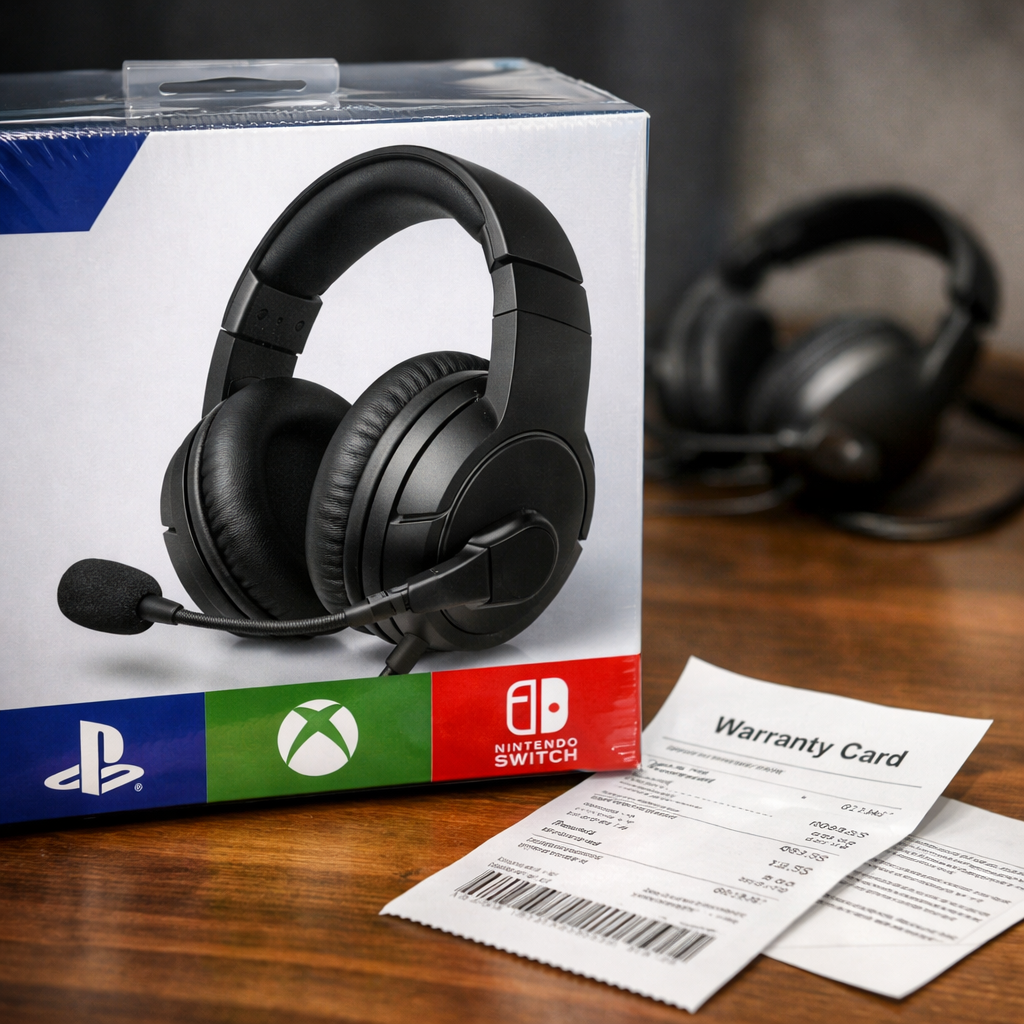
Avoid Counterfeits: Where to Buy Genuine All-Console Gaming Headsets
The fastest way to avoid fake or misrepresented headsets is to start with lab-tested models, buy only from authorized channels, and verify licensing and serials the day your package arrives. If you’re asking where to buy all-console gaming headsets (authorized and genuine), the safest options are official brand sites and major authorized retailers with easy returns. This Retro Gaming Blog guide outlines vetted models and SKUs, the exact places to shop, and a quick checklist to confirm authenticity and multi-platform compatibility on PS5, Xbox, Switch, PC, and mobile.
All-console gaming headset: A single headset designed to work across PlayStation, Xbox, Nintendo Switch, PC, and mobile. It achieves this through 3.5mm analog, USB, Bluetooth, or a 2.4GHz USB dongle. Genuine multi-platform models clearly list supported systems and often include platform-specific dongles or splitter cables.
Start with trusted models and exact SKUs
Anchor your search to models verified by independent testing labs and note the exact SKU and platform variant before you buy. Outlets like RTINGS maintain large, methodical databases of gaming headsets and explain trade-offs—such as how open-back designs leak sound and often reduce bass impact—so you know what you’re getting upfront (see RTINGS’ gaming-headset tests). For cross-device wireless, SoundGuys highlights picks such as the Razer BlackShark V2 Pro for its boom mic performance and SteelSeries Nova 5X for multi-platform flexibility (see SoundGuys’ best gaming headsets guide).
“You don’t need to spend a lot for a great gaming headset,” as Tom’s Hardware puts it, and comfort-forward wired models like HyperX Cloud III earn consistent praise—use that baseline to spot “too good to be true” pricing on supposed premium units (see Tom’s Hardware’s best gaming headsets). IGN also notes SteelSeries’ robust software ecosystem with 100+ EQ profiles, a reminder that premium tiers may be pricey—and unusually steep discounts can be a red flag (see IGN’s best gaming headset roundup).
Compact comparison of popular, lab-vetted models and variants:
| Model | Platform variants (PS/Xbox/All) | Connection (3.5mm/USB/2.4GHz/Bluetooth) | Notable features | Typical price band |
|---|---|---|---|---|
| SteelSeries Arctis Nova 7 (7/7P/7X) | PS (7/7P), Xbox (7X), All (check SKU) | 3.5mm, USB-C, 2.4GHz dongle, Bluetooth | Dual wireless, EQ app, removable mic | $149–$179 |
| Turtle Beach Stealth 700 Gen 2 MAX | Xbox variant (works across platforms via dongle/Bluetooth) | 2.4GHz dongle, Bluetooth | Spatial audio, long battery life, on-ear controls | $149–$199 |
| HyperX Cloud III (wired) | All via 3.5mm/USB | 3.5mm, USB | Comfortable fit, clear mic, wide device support | $69–$99 |
| Razer BlackShark V2 (wired) | All via 3.5mm (USB dongle for PC features) | 3.5mm, USB sound card | Detachable boom mic, PC spatial support | $59–$99 |
| SteelSeries Arctis Nova 5X | Xbox (multi-device via dongle) | 2.4GHz dongle, Bluetooth | Cross-device wireless, EQ presets | $129–$149 |
| EPOS H6 Pro (open-back, wired) | All via 3.5mm | 3.5mm | Natural soundstage, detachable mic, repairability | $119–$179 |
Buy from authorized stores and official brand channels
Consumer Reports recommends buying from manufacturer websites, official brand storefronts on marketplaces, and major retailers such as Amazon, Best Buy, GameStop, Target, and Walmart to secure genuine stock and warranty coverage (see Consumer Reports’ gaming headset buying guide). TechGearLab adds that strong return policies let you test comfort and function risk-free—a must for headsets (see TechGearLab’s best gaming headset guide). At Retro Gaming Blog, we favor brand-direct sites or verified storefronts for clear warranty and support.
Simple rules:
- Favor the brand’s own store or its verified marketplace storefront (e.g., “Sold by Manufacturer”).
- Avoid third-party sellers with minimal history, altered product titles, or mismatched photos—review labs warn these patterns often precede relabeled or counterfeit units.
- Read the return policy before checkout; aim for at least 14–30 days.
Authorized retailer: A seller approved by the manufacturer to sell specific products with intact warranties, authentic components, and access to official support.
Verify licensing and packaging on arrival
Licensed console accessories carry the platform’s Official Licensing Program (OLP) logo on the box, include the expected documentation, and meet compatibility and reliability standards—a key authenticity cue emphasized by Turtle Beach’s licensing guidance (see Turtle Beach on PlayStation OLP).
Unboxing checks:
- Inspect print quality, spelling, seals, and branding against the manufacturer’s official product page photos.
- Confirm all listed accessories: dongle, detachable mic boom, cables, splitters, and guides.
- Look for warranty cards and a complete quick-start guide consistent with licensed packaging.
Cross-check features against trusted reviews to catch fakes:
- Does surround/3D mode appear where advertised? Are mic clarity and latency in line with review expectations?
- Battery claims should be plausible for the tech: many 2.4GHz models quote roughly mid-teens of hours, while some Bluetooth-first sets quote similar single-day ranges (context from Consumer Reports).
Official Licensing Program (OLP): A certification from a console maker that an accessory meets its compatibility, safety, and quality standards. Licensed headsets carry the platform’s OLP logo on-box, include proper documentation and warranty support, and are validated to work with system features like chat, audio mixing, and updates.
Test compatibility across consoles immediately
Run through every claimed platform in the return window so you can swap or refund quickly if needed. Verify audio, mic, and on-ear controls (volume, mute, chat/game balance) on each device, then test console-specific spatial modes (e.g., PS5 3D/Tempest), which reviewers note are critical for positional cues. Many headsets offer separate PS/Xbox/PC variants—select the right SKU and confirm the box/dongle markings, as Forbes reminds buyers (see Forbes’ best gaming headsets).
Notes for a clean test:
- Open-back designs leak audio and are best in quiet rooms; plan accordingly (RTINGS guidance).
- Wired sets often include a PC splitter for separate headphone/mic jacks—confirm it’s in-box and works (Consumer Reports).
Quick log template:
| Console | Connection used | Mic clarity score (1–5) | Latency impression (low/ok/high) | Feature check (3D/Tempest, chat-mix) | Pass/Fail |
|---|
Confirm documentation, serials, and warranty registration
Record the serial number, register your product on the manufacturer’s site, and upload your receipt. Licensed accessories typically include full documentation and warranty details. Next, install the official PC or mobile app to load EQ profiles and apply firmware updates; IGN notes suites like SteelSeries GG offer 100+ EQ presets, and failure to authenticate or update can indicate a counterfeit or wrong-region SKU. Retro Gaming Blog recommends doing this on day one so you can still return or exchange within the window.
Cross-reference specs with review expectations:
- Battery life claims (e.g., mid-teens for many 2.4GHz sets) and surround support should align with trusted buying guides.
- Features like flip-to-mute and detachable booms should behave as documented.
Use returns and support if anything seems off
Leverage return windows—Consumer Reports and TechGearLab both recommend sellers with flexible policies so you can act fast.
Action checklist:
- Document issues with photos/video and note discrepancies (missing OLP logo, wrong dongle, weak mic, mismatched specs).
- Contact retailer support first; if unresolved, open a ticket with the manufacturer using your registered serial and proof of purchase.
- If flagged as non-genuine, request a prepaid return and report the listing to the marketplace.
Retro-savvy buying tips for cross-platform headsets
- Detachable boom mics let you use the same cans for retro listening sessions and daily music, then reattach for voice chat during raids (Consumer Reports).
- Open-back vs closed-back: open-back expands the soundstage but leaks and softens bass; closed-back contains sound and emphasizes impact—RTINGS’ testing frames these trade-offs well.
- For long retro marathons, comfort and serviceability matter: TechGearLab has praised open-back options like EPOS H6 Pro for breathable materials, a removable mic, and replacement parts.
- Platform nuance: on-ear chat/game balance and flip-to-mute don’t always behave the same on Switch (docked/handheld), PS5, and Xbox—verify during your test pass (Consumer Reports).
- RGB/app tuning: some Astro/Logitech models support programmable lighting and profiles via Logitech G Hub; just confirm you’re buying the correct platform variant (Forbes).
- Budget sanity: as Tom’s Hardware reiterates, you don’t need to overspend—use fair street pricing to sniff out “premium” clones at suspiciously low prices.
How this fits retro and modern play
- 3.5mm analog remains the universal bridge: it works with classic handhelds, retro consoles via modern controllers/mixers, and PCs; many wired sets include a PC splitter for separate mic/headphone jacks (Consumer Reports).
- 2.4GHz dongles deliver low-latency wireless and virtual surround with typically single-day battery life—ideal for couch-to-CRT gaming and modern TVs without adding lag (Consumer Reports).
- Competitive edge: positional/spatial audio helps both modern shooters and retro-style arena games—double-check platform-specific 3D modes during your initial tests (IGN).
Choose your path:
- Mostly retro + some modern: wired, closed-back, detachable mic, 3.5mm + splitter.
- Mostly modern multi-platform: 2.4GHz dongle model with clear PS/Xbox variants and a strong return policy.
- Mixed mobile/cloud: Bluetooth multipoint plus a USB-C dongle where available.
Frequently asked questions
How can I tell if a multi-platform headset is genuine?
Check for licensing logos, quality packaging, complete documentation, and matching specs, then compare with trusted reviews. Retro Gaming Blog also suggests registering the serial to confirm warranty.
Which retailers are safest for all-console headsets?
Buy from manufacturer websites, official brand storefronts, or major authorized retailers. Retro Gaming Blog advises choosing sellers with easy returns and clear warranty coverage.
What red flags suggest a counterfeit gaming headset?
Watch for suspiciously low prices, missing logos, poor print quality, incomplete accessories, and features that don’t match listings. If the app won’t recognize the headset or updates fail, return it immediately.
Do Xbox and PlayStation versions differ in ways that affect authenticity?
Yes—many models have platform-specific variants, especially for Xbox wireless protocols. Always match the SKU and verify platform markings on the box and dongle.
What should I do if I suspect my headset is fake?
Document issues, contact the retailer within the return window, and register the serial with the manufacturer. If it’s flagged as non-genuine, request a full refund and report the listing; Retro Gaming Blog encourages acting quickly to stay within policy windows.